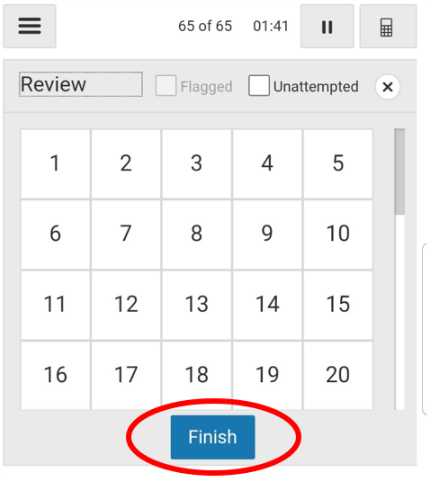
There are two ways to submit an assignment from the Homework App.
Note: An internet connection is required to submit assignments.
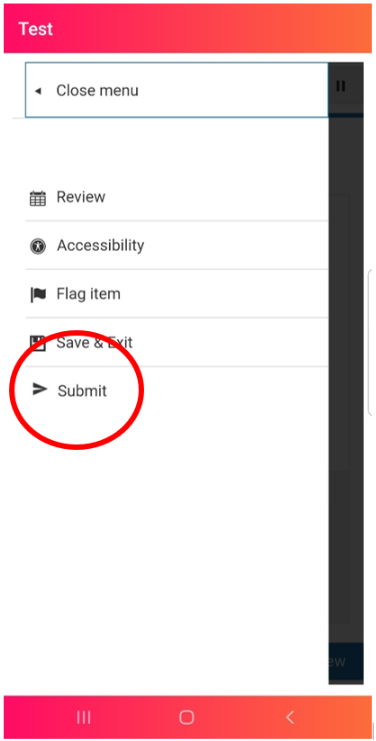
From the player menu
- Select Submit.
From the assignment review screen
-
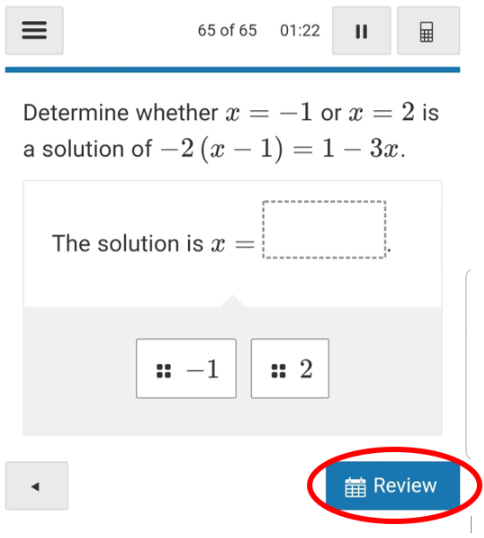
When you reach the last question of the assignment, tap or click
Review.
-
Tap or click Finish then select
Yes.