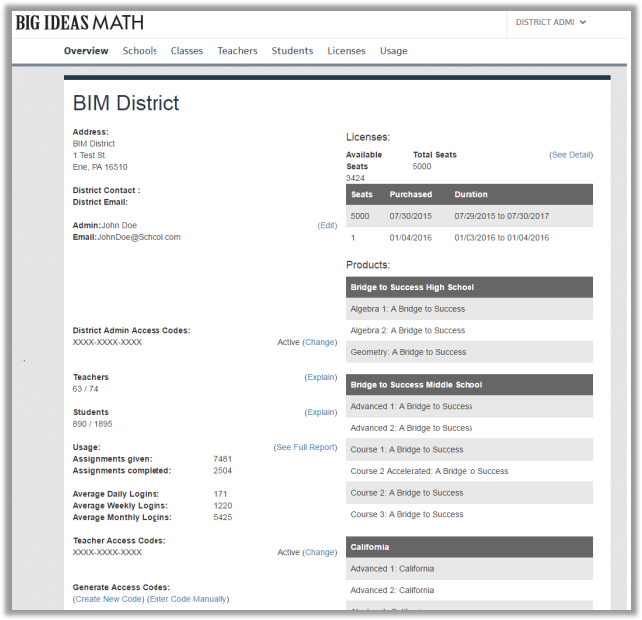
The District Admin Overview page includes information such as the District Admin Access Code, which is used for registering additional administrators. It also shows the number of registered teachers and students, the number of assignments issued and completed, the number of average logins by users, and the Teacher Access Code, which is used for registering additional teachers (only for districts using self-registration). This page also includes information on licenses purchased by the district, their expiration dates, and the books the district purchased.
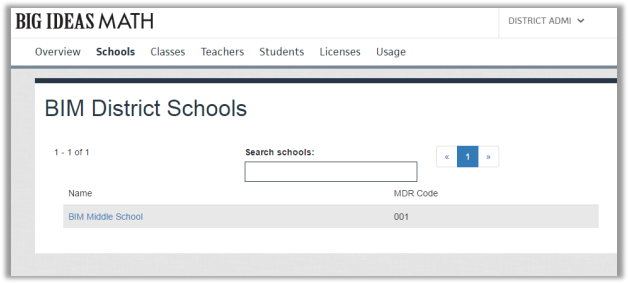
The Schools page displays all schools in the district. Clicking on a school will take the administrator to that individual school’s page where they can see the number of users connected to the school, the books associated with each teacher’s classes, and statistics on licenses, logins, and assignments.
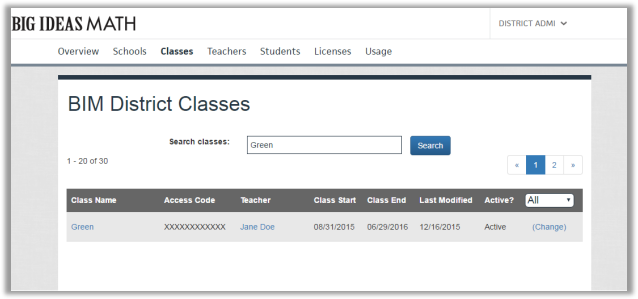
The Classes page gives the administrator the ability to search for specific classes by class name. Clicking on a class within the search results will provide the administrator with more information on that class, such as the roster list, start and end dates, the assigned book(s), the class access code (only for districts using self-registration), and login and usage statistics. Clicking the teacher’s name will take the administrator to that teacher’s profile.
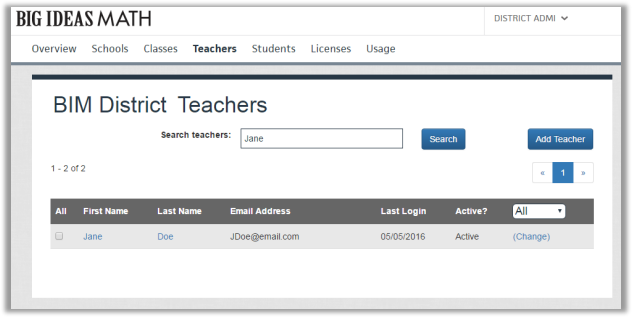
The Teachers page allows the administrator to search for a teacher by name or email address. Clicking the teacher’s name will take the administrator to the teacher’s profile. Class and usage information is also available in the teacher’s profile.
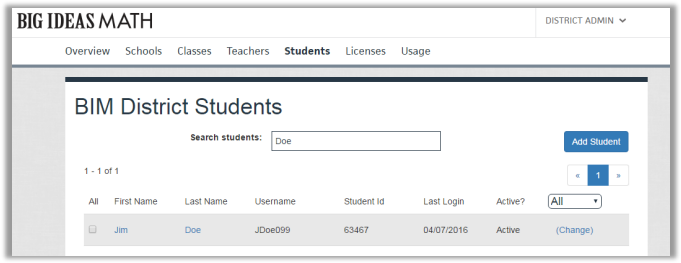
The Students page gives the administrator the ability to search for students by name or username. Clicking on a student’s name will take the administrator to the profile of that student, providing them with information on the classes the student is in and their usage information. The student’s profile will also allow the administrator to view a student’s temporary password when one is requested (only for districts using self-registration).
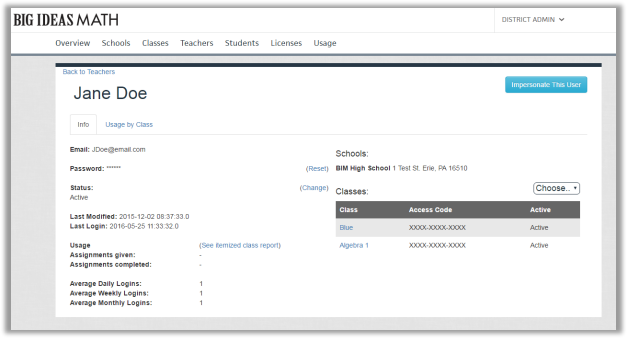
Administrators can impersonate a teacher or student without having to login with their username and password. This can be done by viewing their profile and clicking the Impersonate This User button.
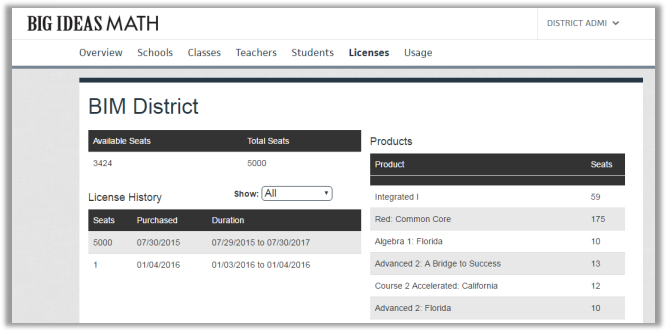
The Licenses page shows a history of the district’s purchased licenses, their duration, and how many are being used. The “Products” table displays the number of licenses that are assigned to each book the district purchased. Since Big Ideas Learning uses soft licensing, the number of licenses assigned to each book does not have to match the number of licenses that were purchased for that particular book.
The Usage page displays data on average daily logins and on assignments given and completed.