Teachers have the ability to create copies or duplicates of an assignment to give to other classes.
-
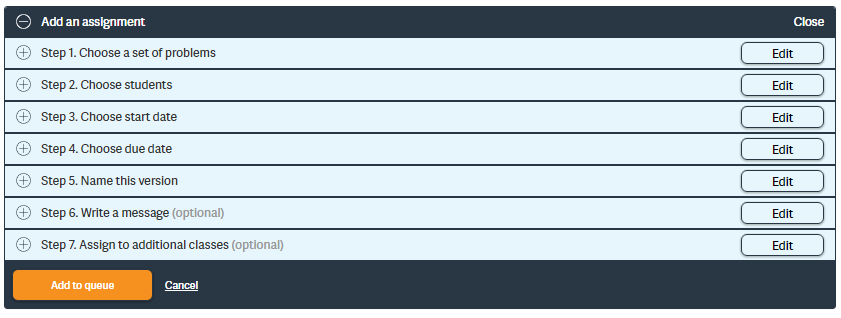
Begin by creating an assignment. Choose your problems, students, start date,
end date, and name the version.
-
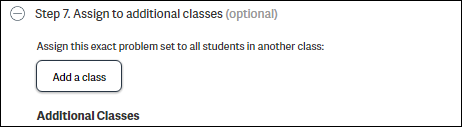
Once you have made your selections, go to Step 7: “Assign to additional
classes.”
-
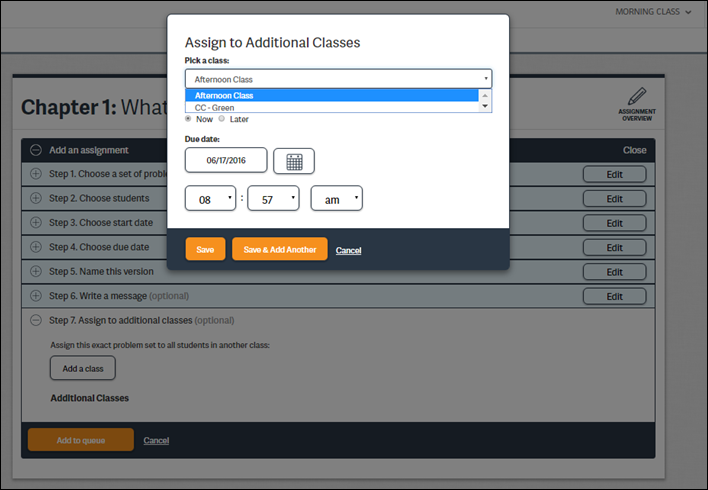
You may choose another class to assign the same problem set to. You can choose
to assign the problems now or at a later date. Once the dates and times have
been selected, click Save or Save & Add
Another.
-
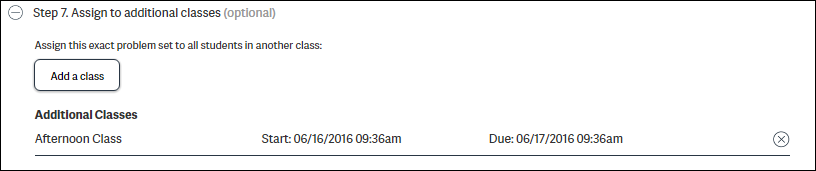
The additional assignment(s) will appear once they are saved. If other classes
need to be added, click Add a class and pick any
additional classes to receive the assignment.