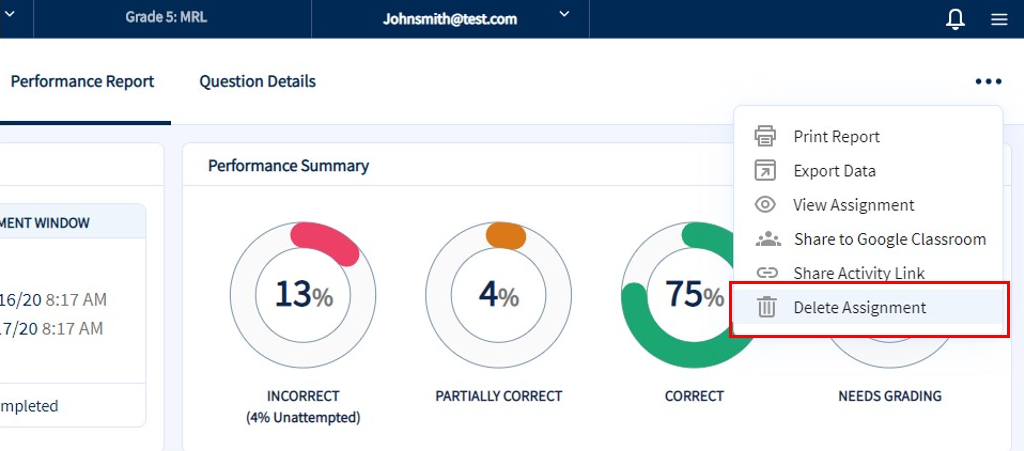
Assignments can be deleted from the Performance Report and Questions Details pages by clicking the Delete Assignment button found within the page menu.
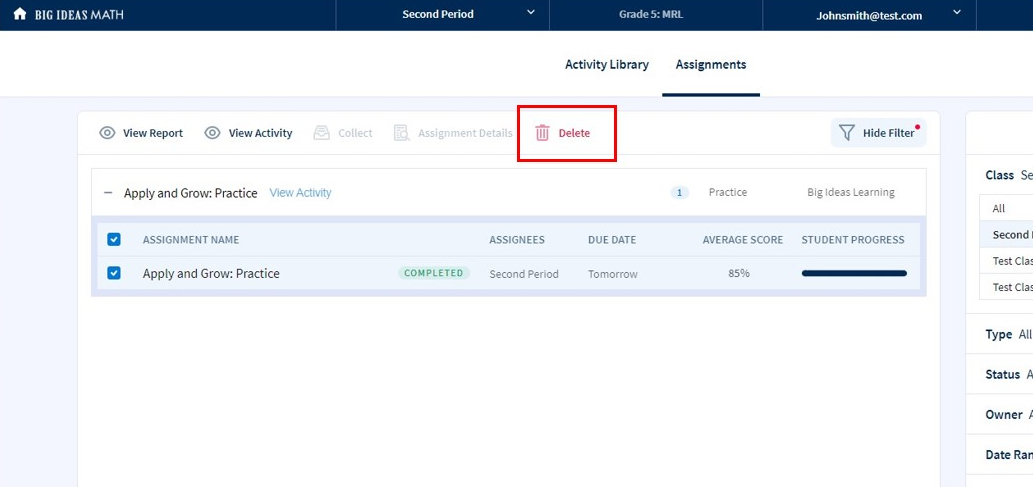
You can also delete assignment instances by from the action menu of the Assignment list page.
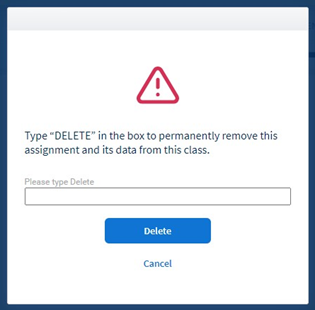
Note that deleting an assignment is permanent. To help prevent accidental deletion you must complete the Delete form prior to completing the action.