
MyAdaMath Teacher Help
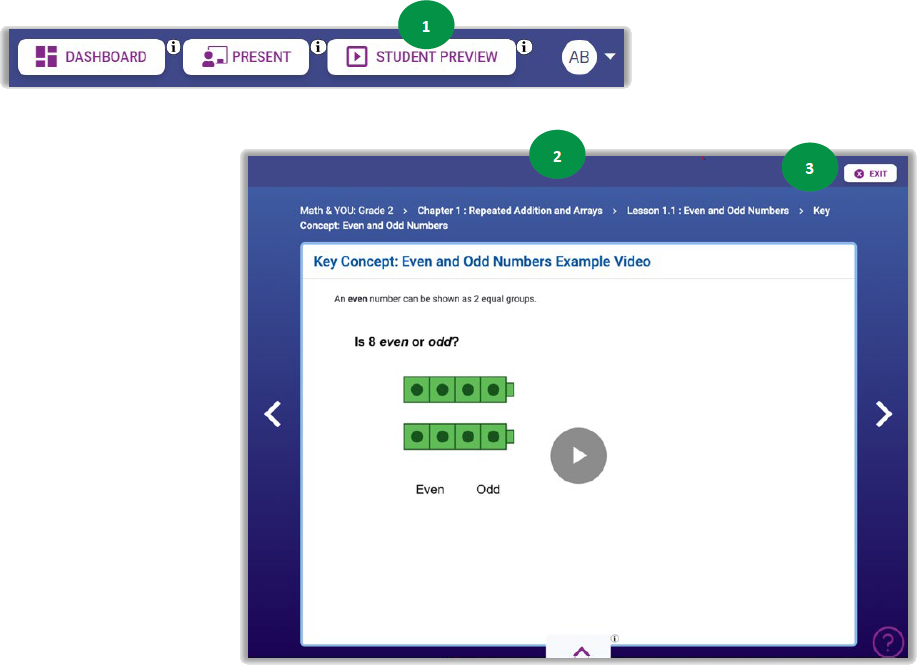
- From Plan mode, select Student Preview.
- Lesson content opens in full screen mode.
- Select Exit in the top right corner to close the Student Preview and go back to Plan mode.
The Student Preview button allows you to see and interact with content from a student’s perspective.