Assignment reports show how your class did on each question in an assignment. To find areas students may need more help with, view the average score for each question and which students answered correctly.
-
In the upper-right corner, click
 > Reports.
-
View your students' results for each question.
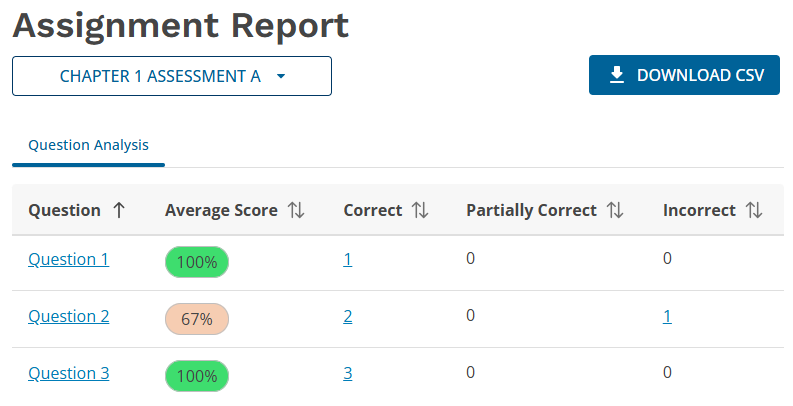
- To view a question and its answer, click the question name.
- To sort questions, click a table header.
- To view a list of students who gave correct, partially correct, or incorrect answers, click the number under Correct, Partially Correct, or Incorrect.