You can view students you dropped from your roster on the Roster page for the course. Students that were transferred from one section to another section of a course are also displayed on the dropped roster for the section they were transferred out of.
Note If you manage your K-12 course through
NGLSync, this feature is available in NGLSync and disabled in your WebAssign course.
-
In Showing, click Dropped.
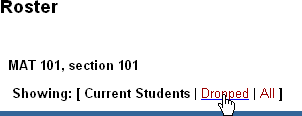
The list of dropped students is displayed.
