On this page, teachers have the ability to choose a chapter or a Course Benchmark report from the drop-down menu to review reports at the class and student level for each assignment. Teachers can also select the Course Progress Report or Progression Benchmark Test, or export class performance in a CSV, which they can access by choosing View Report Downloads.
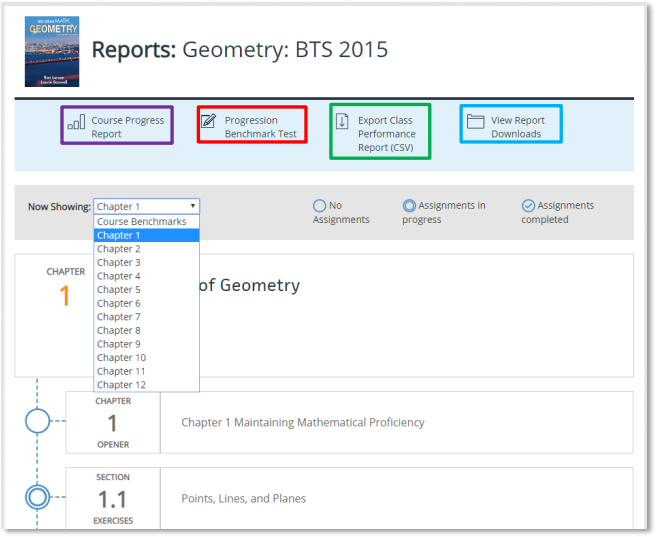
Reports become available as soon as one student submits the assignment. Color-coding is used to demonstrate average number of students answering items correctly, a class average score, or the percentage of students that answered correctly, depending on the report. Each report can drill down to an individual student and individual item level.
Teachers may review a variety of reports with information including standards, remediation, and assignment performance.