School and District admins have the ability to add users manually through the Math & YOU portal.
Roles that can be added manually:
- School admins
- Teachers
- Students
-
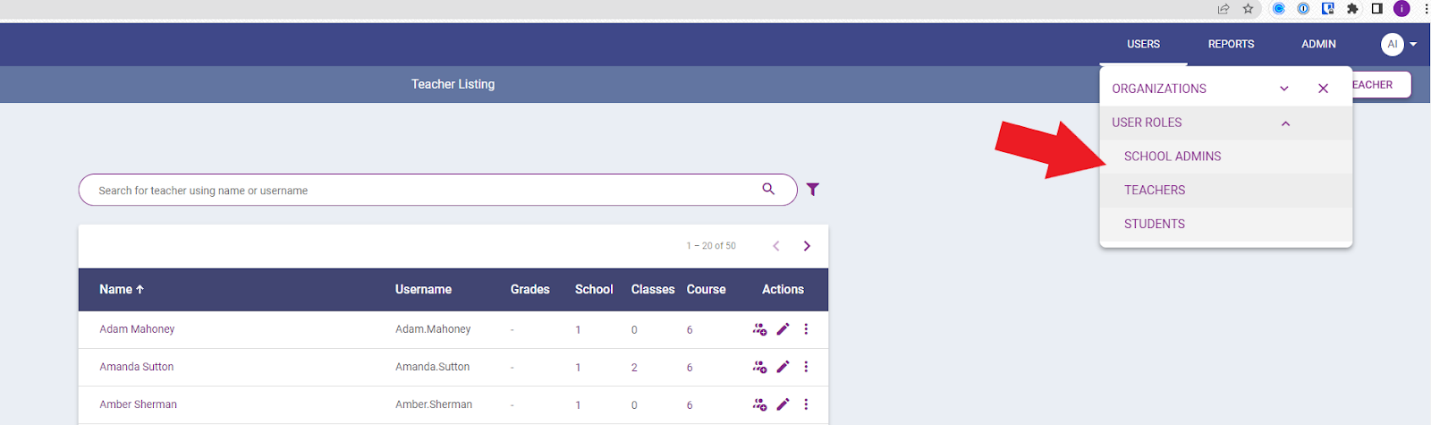
Navigate to the user section once logged into Math & YOU.
Click SCHOOL ADMINS, TEACHERS, or STUDENTS.
-
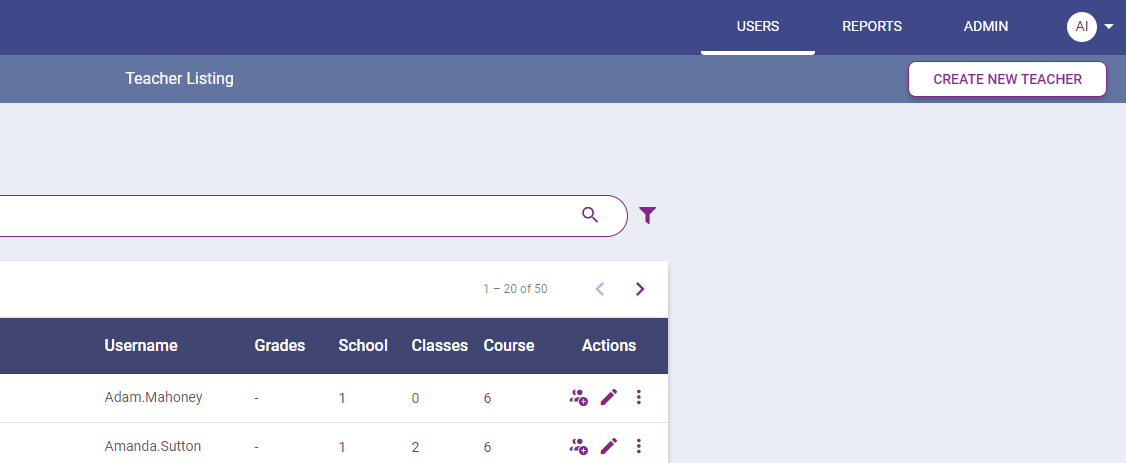
Click CREATE NEW SCHOOL ADMIN, CREATE NEW
TEACHER, or CREATE NEW STUDENT.
-
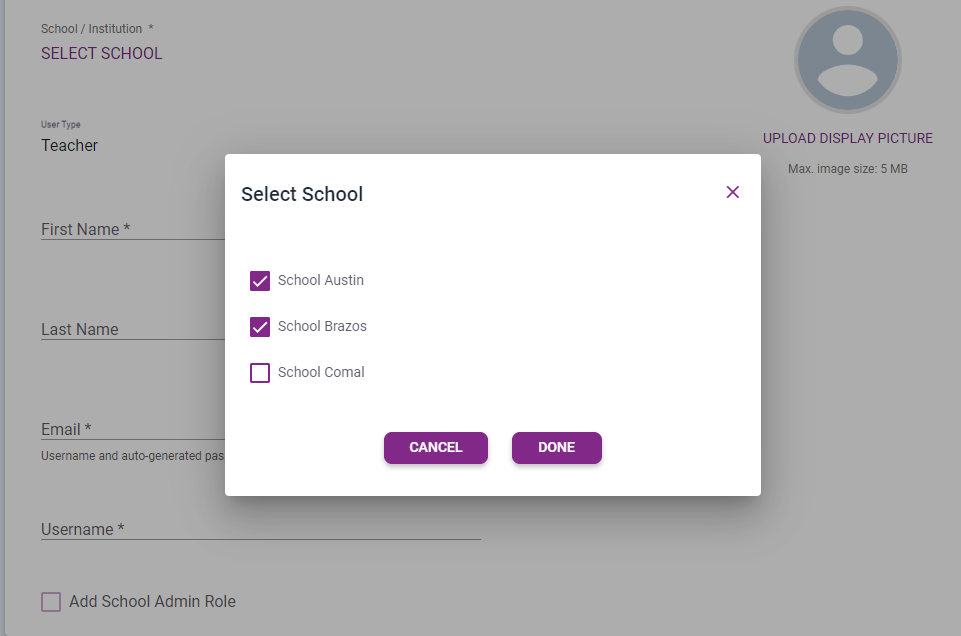
Select the School/Institution and choose the school(s) you wish to add the user
to. Click DONE.
-
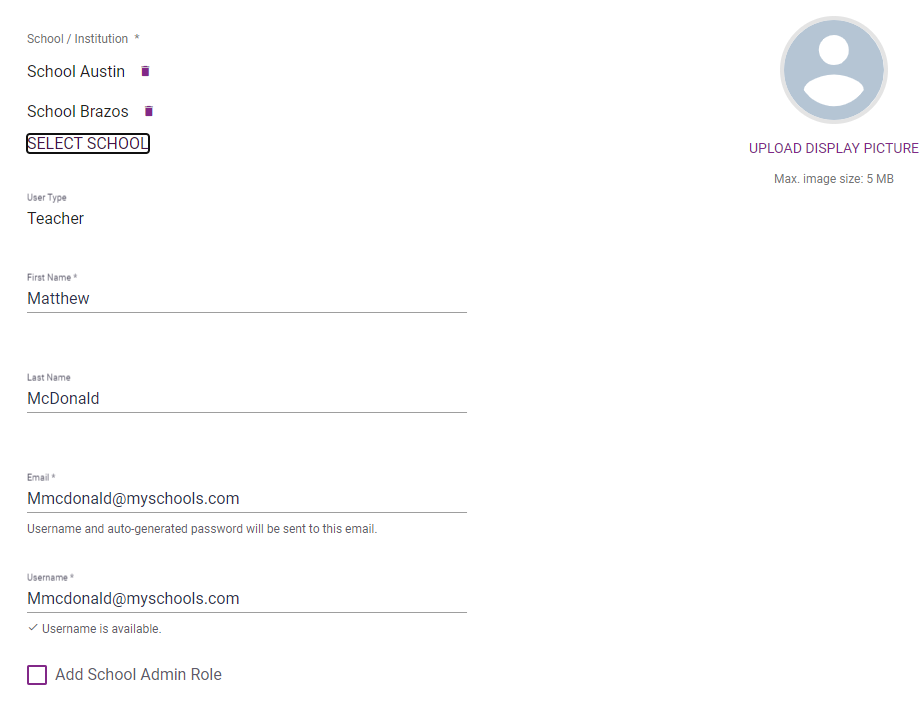
Provide a First Name, Last Name, Email, and Username.
Username field:
- 5 to 256 characters
- Recommend using an email address
- If the username is not unique, the user will not be uploaded into the system and an error message will be generated.
-
Click ADD USER.
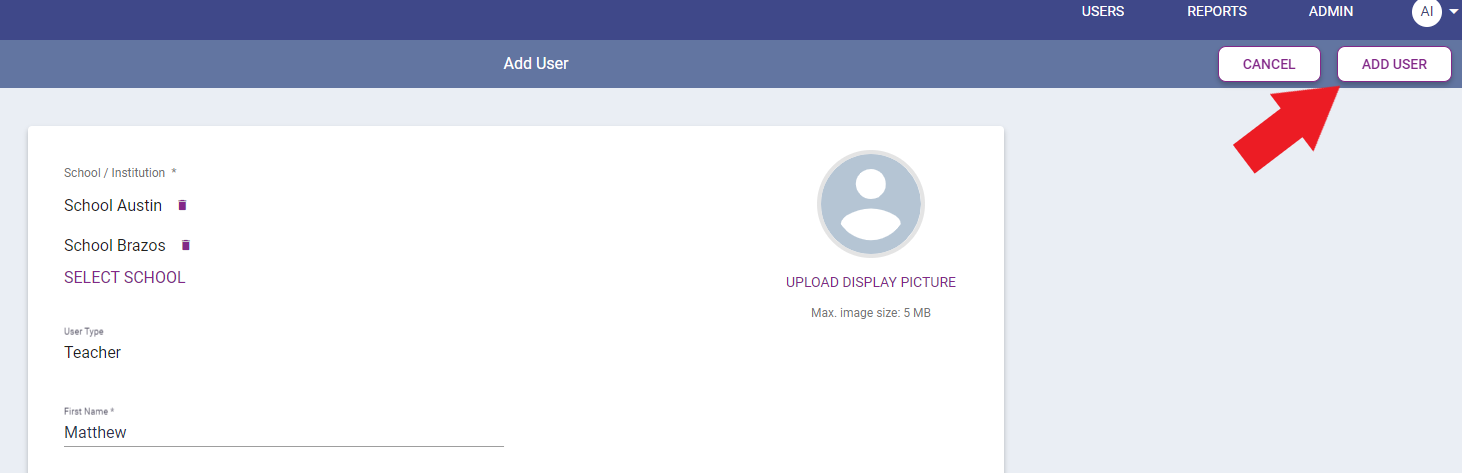
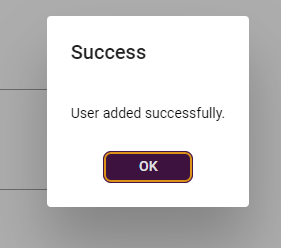
When a user is created, a Success message will appear. The system will email the user with an auto-generated password sent to their email.