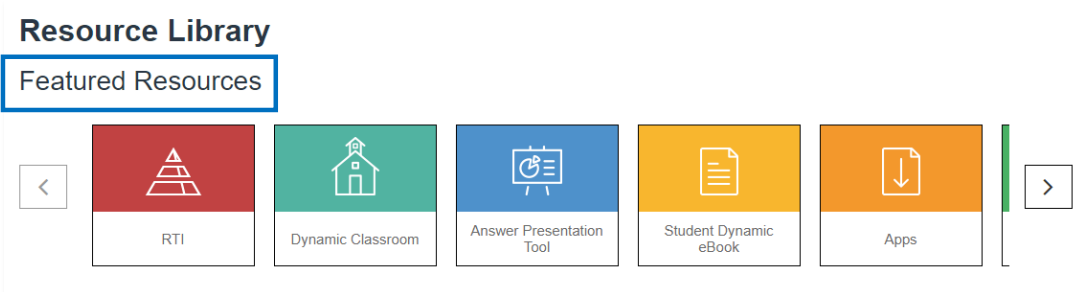
Featured Resources
Clicking on any of the Featured Resources will navigate you to a new tab.
Featured Resources include:
- RTI
- Dynamic Classroom
- Answer Presentation Tool
- Student Dynamic eBook
- Apps
- Skills Review Handbook
- Game Closet
- Multi-Language Glossary
- Math Tool Paper
- Graphic Organizers
- ExamView
Course Resources
There are two ways to search for resources. The first way is to Browse by Chapter & Section. This will allow a teacher to choose a Big Ideas Math program from the first drop-down, and a book, chapter and section to narrow the search. Select one or more of the available categories from the resource options and click Search Resources.
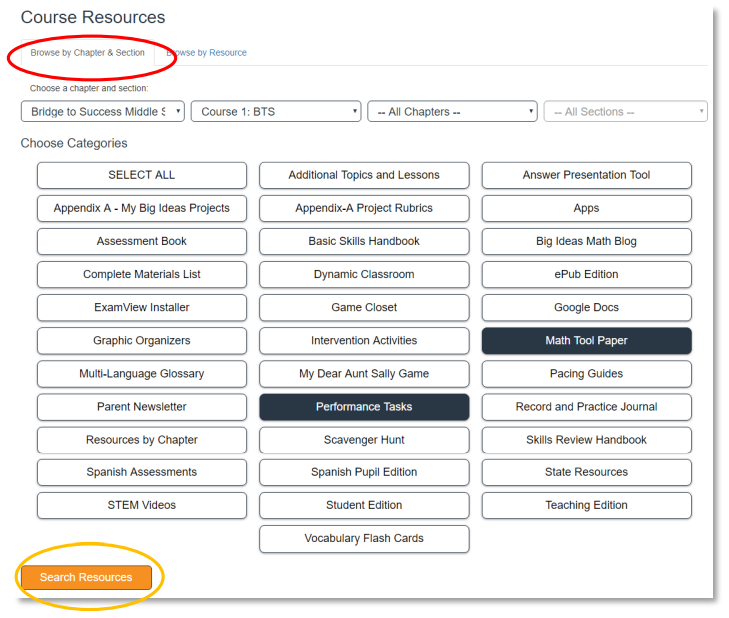
Course Resources include (but are not limited to):
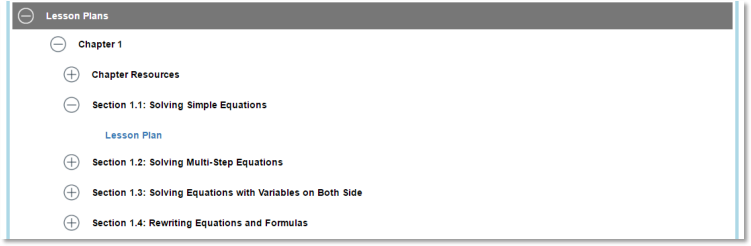
- Lesson Plans
- Dynamic Classroom
- Teaching Edition
- Student Edition
- Resources by Chapter
- Worked-Out Solutions Key
- STEM Videos
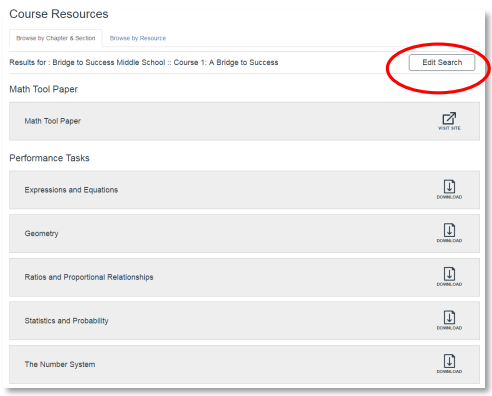
Clicking Edit Search will remove the search results but retain the search criteria until changed by the user.
The second way to search for resources is to Browse by Resource.
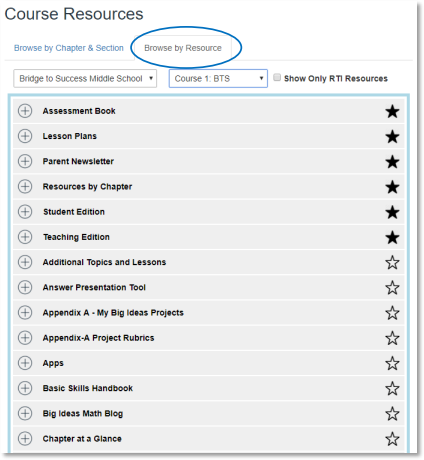
This method will allow teachers to choose a resource from a course and find what is available for that resource in a specific chapter or section. Teachers may also mark favorite resources with a star so they appear at the top of the list.