You can practice what you learn with course activities.
-
In the learning path, locate and open a course activity.
Language courses are the same on desktop computers and mobile devices. They display differently, however, in desktop and mobile browsers, as follows.
- In a desktop browser, study and exercise activities display
side-by-side in the same tab.
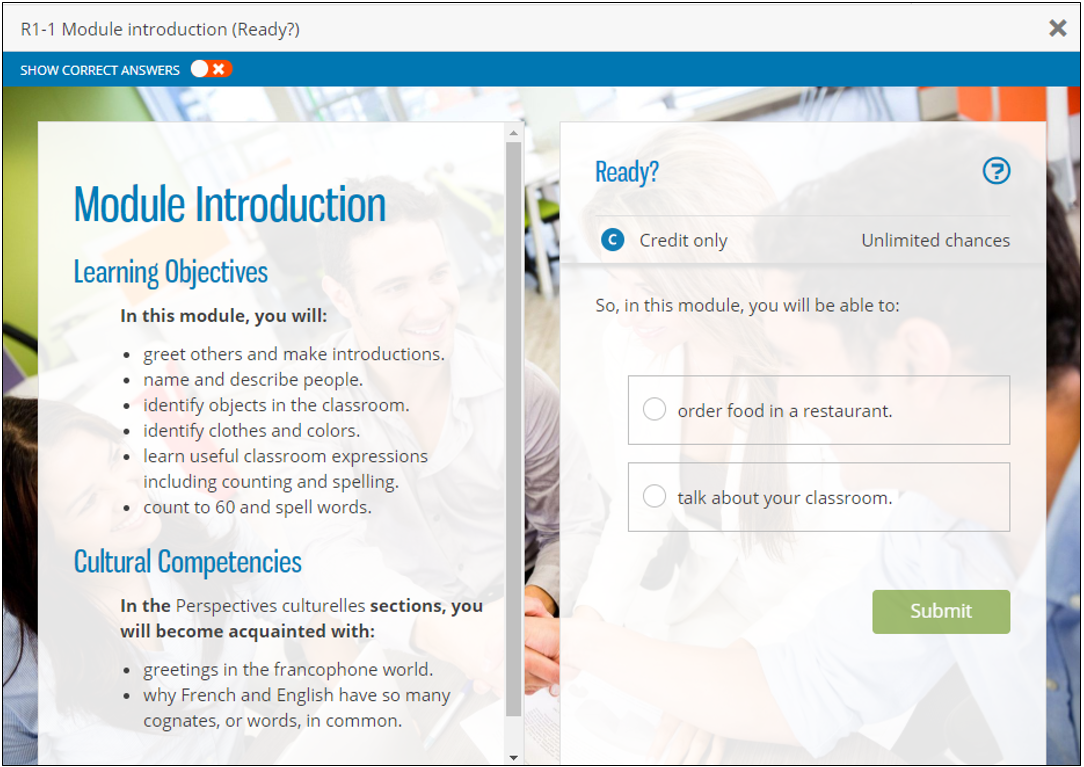
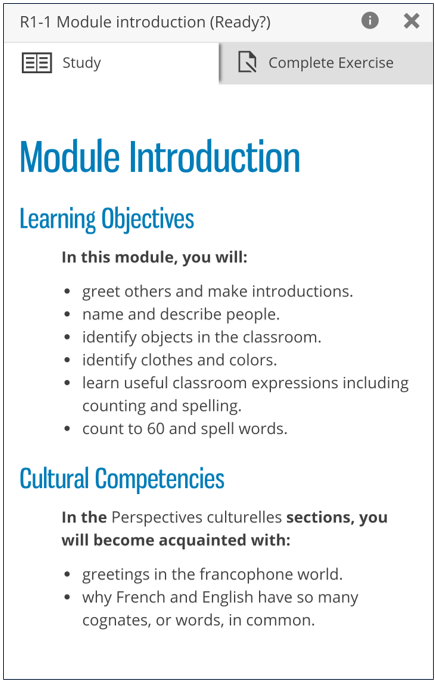
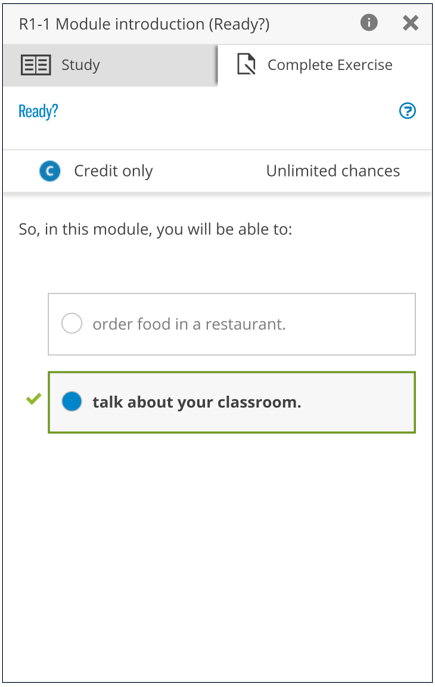
- In a mobile browser, study and exercise activities display in
separate views of the same tab. To switch between views, tap
Study or Complete
Exercise.
- In a desktop browser, study and exercise activities display
side-by-side in the same tab.