

Spark Student Help
Video Tutorial: How to get started with the Online Practice - NGL app
Check Compatibility
The Online Practice - NGL app is designed and optimized for smartphones. It is also compatible with tablets.
The supported operating systems are:
For iOS devices: 12.0 or later
For Android devices: 8.0 or later.
Download the Spark app
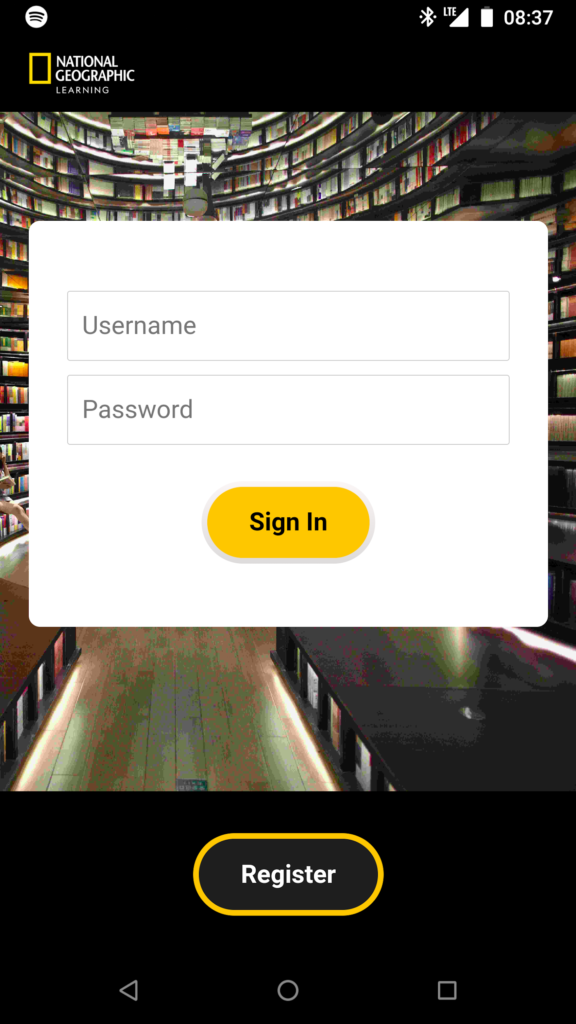
This is what the Online Practice – NGL app looks like:

To access the app, download it from the following app stores:

If you use an Android device:
- Tap the Get it on Google Play button to go directly to the app download page in the Google Play Store.
- On your Android device, you can also tap the Google Play icon, and search for Online Practice – NGL.

If you use an iOS device:
- Tap the Download on the App Store button to go directly to the app download page in the App Store.
- On your iOS device, you can also tap the App Store icon, and search for Online Practice – NGL.
Sign in / Register
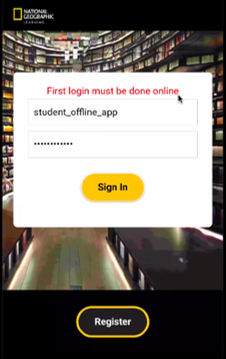
Upon opening the app for the first time, sign in while connected to the internet.
The following message will be displayed if you try to Sign in and you are not online:
You will be asked for your username and password, which are the same as the credentials you use to access Spark through your web browser at learn.eltngl.com.
If you have not registered to the Spark on your web browser before, click on Register to do so, or ask your institution for the credentials.
NOTE: Once you click on Register and after you have submitted your registration form, make sure you go back to the app and Sign in from to gain access to the contents of the Online Practice – NGL app.
If you forgot your password, visit learn.eltngl.com, click on Sign in and then Forgot my password.