
Math & YOU Student Help
Log in as a student and select OPEN for a class-course pair on the Class Selection page.
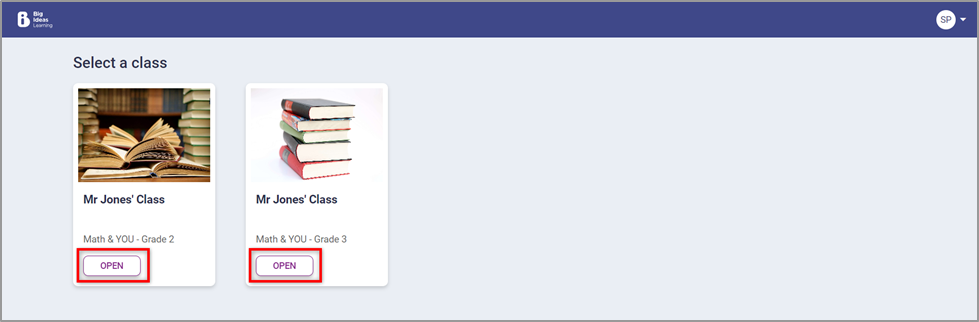
View the course.
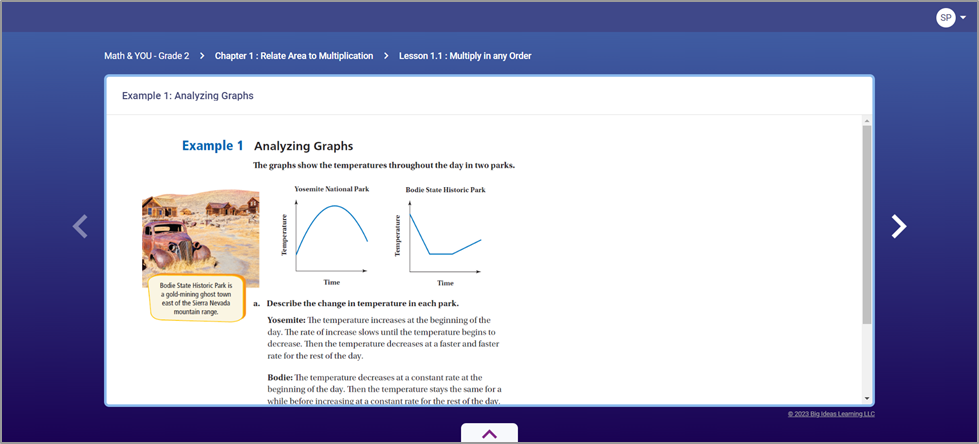
In the course preview, the student can:
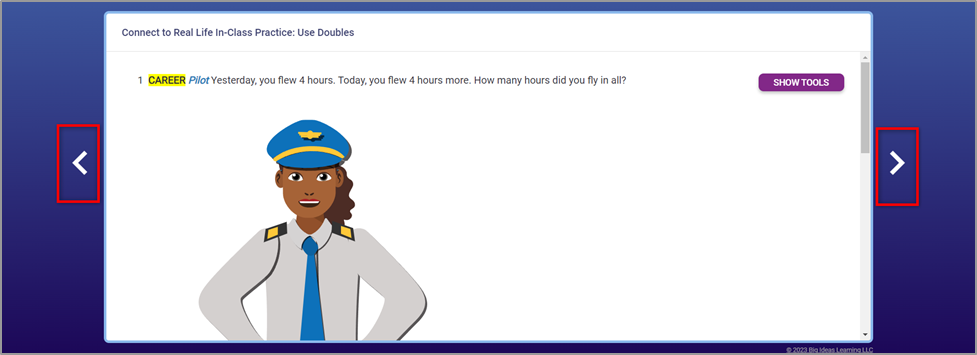
Use the carousel to traverse through the learning objects of the course. The learning objects which were hidden by the teacher from the Student View will not be displayed.
View breadcrumbs indicating where they are in the Learning Path.

- View and attempt the learning objects of the course. The learning objects which were hidden from the Student View will not be displayed.