
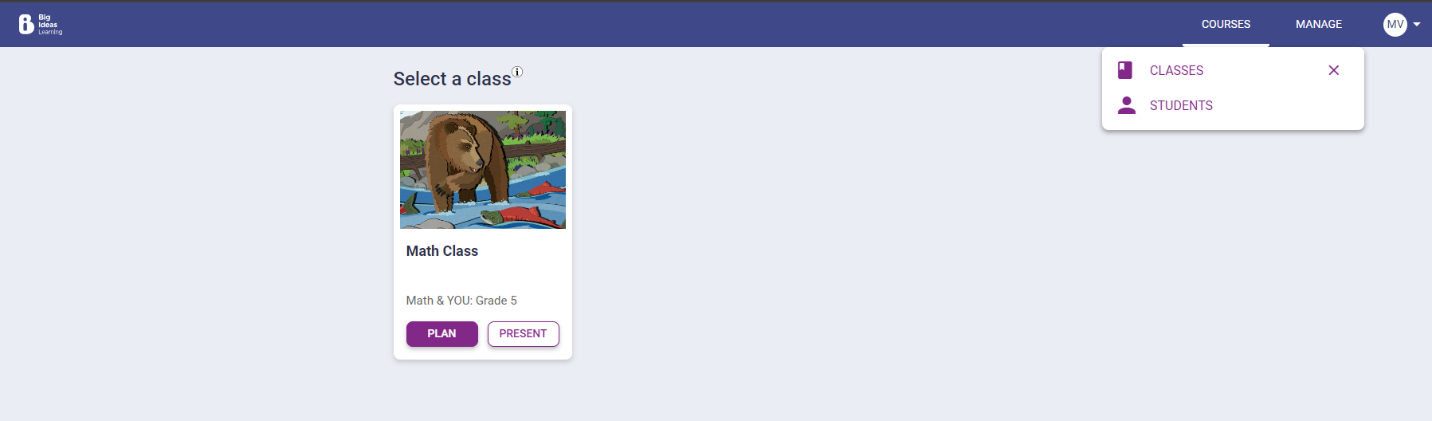
Click Manage › Students.
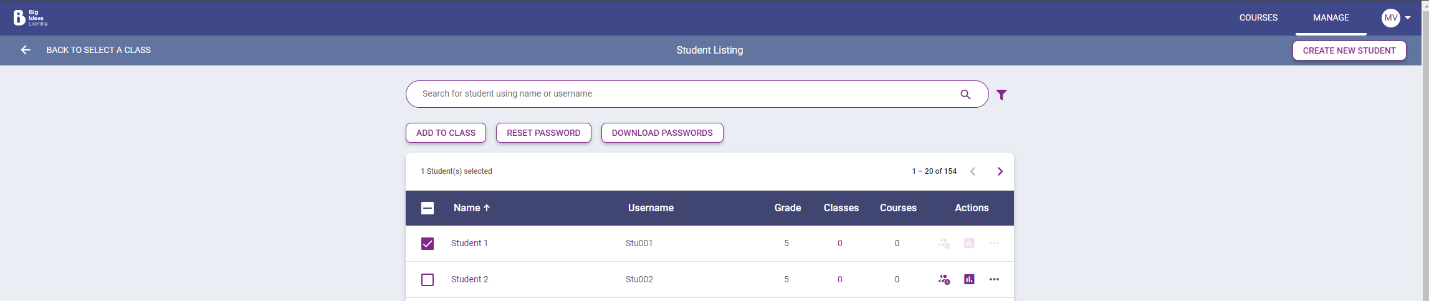
Search for a student from the list in the search bar and then select the student.
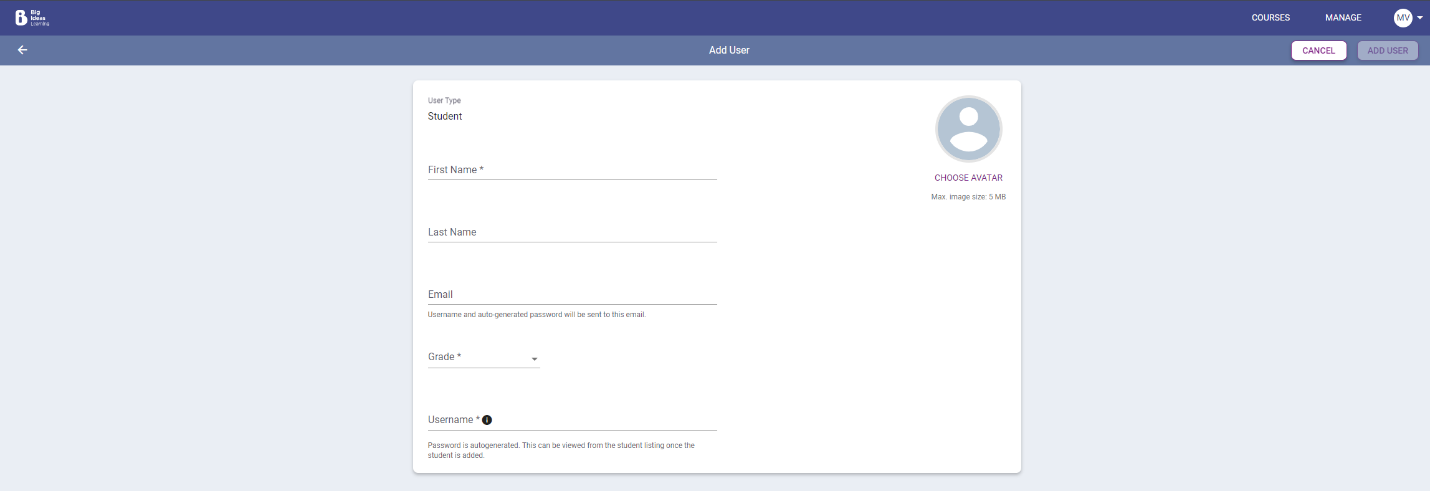
If the student is not yet in the system, click Create New Student and fill out the required information.
Select Add to Class to add a student to a specific class..
Select the box next to the class name and select Add to Class.

How to Add A Student to A Class
Click Manage › Students.
How-ToTeacher HelpMath & YOU