Visible Body Student Help
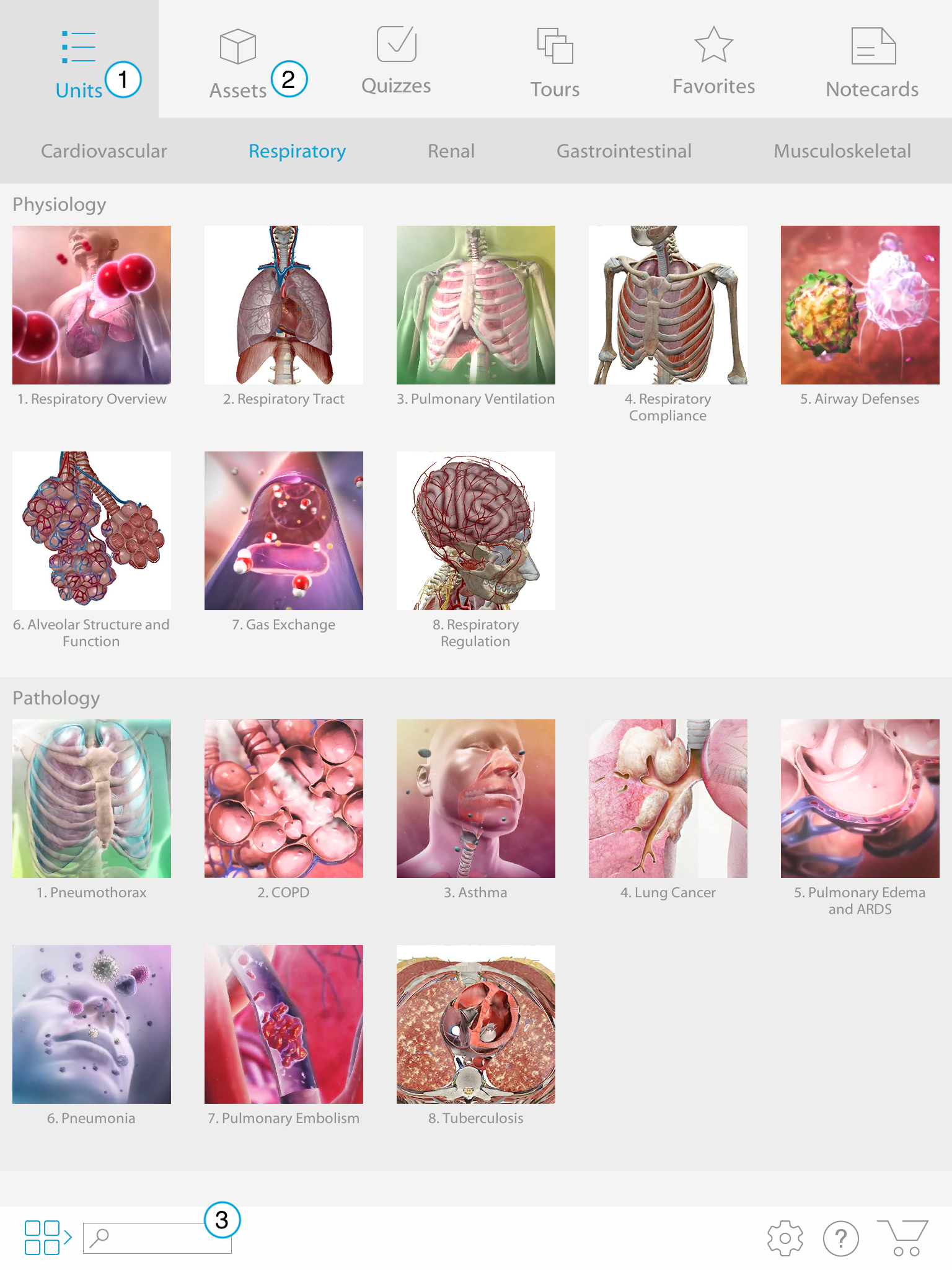
Units tab: Use the Units tab to browse content by unit. There are currently five units available.
- Cardiovascular
- Respiratory
- Renal
- Gastrointestinal
- Musculoskeletal
- Assets tab: Use the Assets tab to browse content by type. You can find Lessons, Animations, Slideshows, Muscle Actions, and Cross Sections.
- Content Search: Use the search bar in the bottom menu to search through all of the app content by keyword. This will bring up quizzes, Lessons, Animations, and more!