
How to download the mobile version of Visible Body Suite
- Access Courseware
- Select “My Apps”
Next to the Visible Body Suite launch button, select the "Get Mobile App" button.
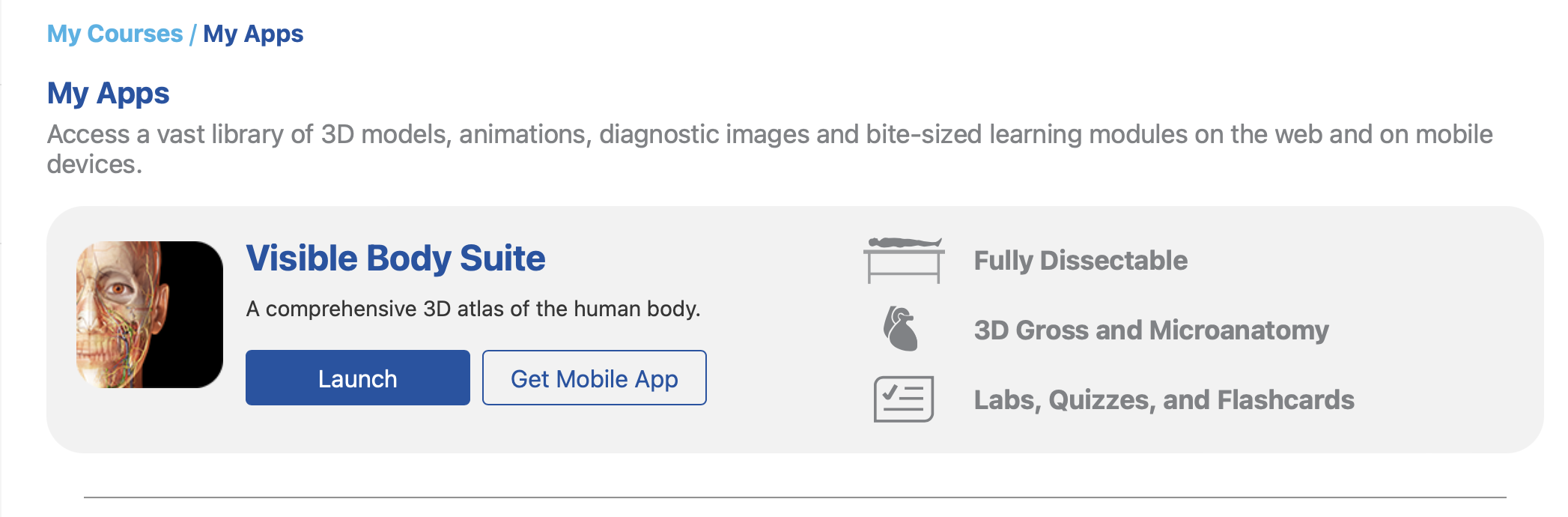
- Follow the instructions to download the iOS or Android App
- Install and launch VB Suite
Use your Courseware VB Account email and password to unlock the gate screen on the mobile app
If you are at a school that provides Courseware access through an LMS, you will need to create a VB account password. Here are the steps to do that.
To get a quick tutorial on the VB Suite mobile app, see the Getting Started article here.