
WebAssign Student Help
- Sign In / Account
Click
 in the menu bar.
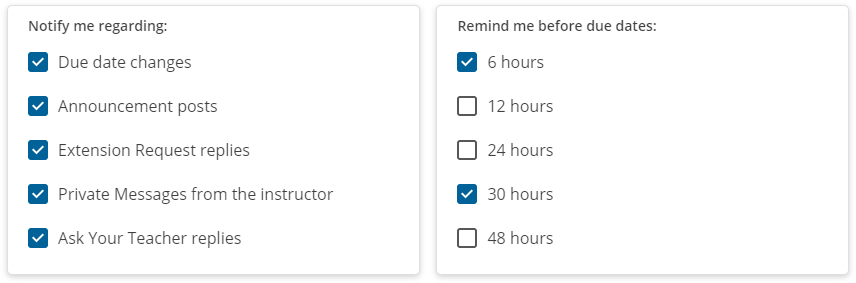
Select the notifications you want to receive.
Click Save.
A warning is displayed if you do not have a verified email address in WebAssign.
You can receive email reminders about upcoming assignment due dates or when your instructor posts an announcement, sends you a private message, or responds to your extension request or Ask Your Teacher message.
Click in the menu bar.
Select the notifications you want to receive.
Click Save.
A warning is displayed if you do not have a verified email address in WebAssign.