
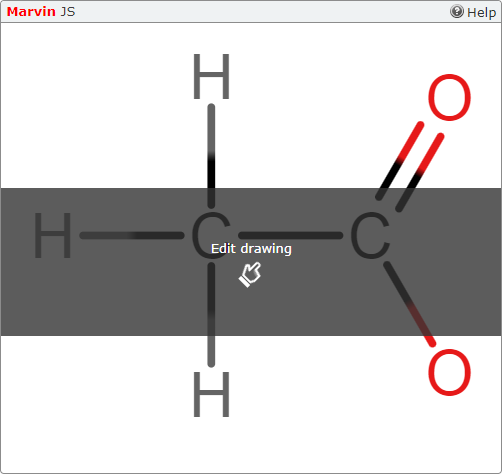
In your assignments, Marvin JS questions display an answer box with the Marvin JS label. At the top of the box is a help link.
Some Marvin JS questions require you to draw a structure or reaction from scratch. Others start with a partially drawn structure or reaction that you must complete.
Click Edit Drawing, or click anywhere in the Marvin JS frame.
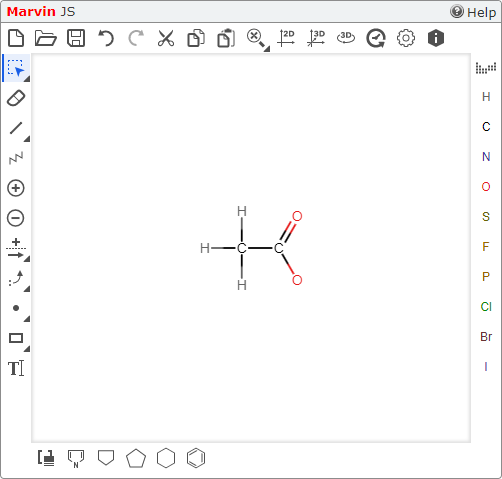
Use the tools to draw the chemical structure or reaction.
If needed, click either
 ,
,  , or
, or  .
.- Click to undo your last change.
- Click to clear the drawing area.
- Click to discard your work and display the initial drawing.
- Click
Click the correct Marvin JS cleanup tool — either
 or
or  .
.These tools often reveal structural problems like hidden atoms or incomplete bond patterns.
- Two-dimensional drawings: click .
- Three-dimensional drawings: click .
- Two-dimensional drawings: click
When you are finished, click Submit Answer.