

Spark School Administrator Help
Resolution
Click Messages and then News.
A message is shown for each successful or failed roster upload.
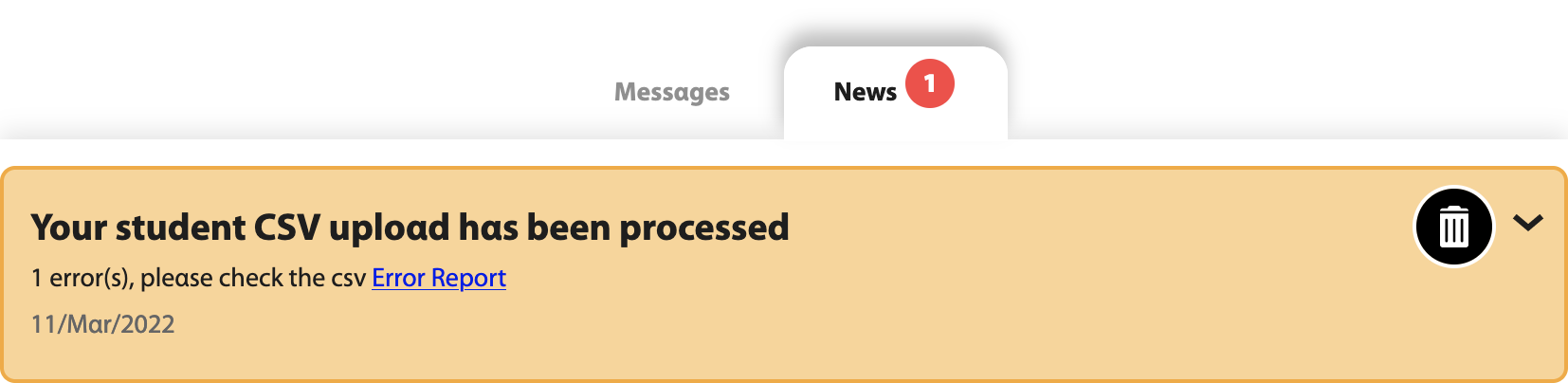
If problems were found with the uploaded roster file, click the Error Report link in the message.
A CSV file opens with the data you uploaded along with information about the problems.
Fix the CSV file, save it, and upload it again.