

Spark Student Help
To access your account menu, click
 ›
›  My Account.
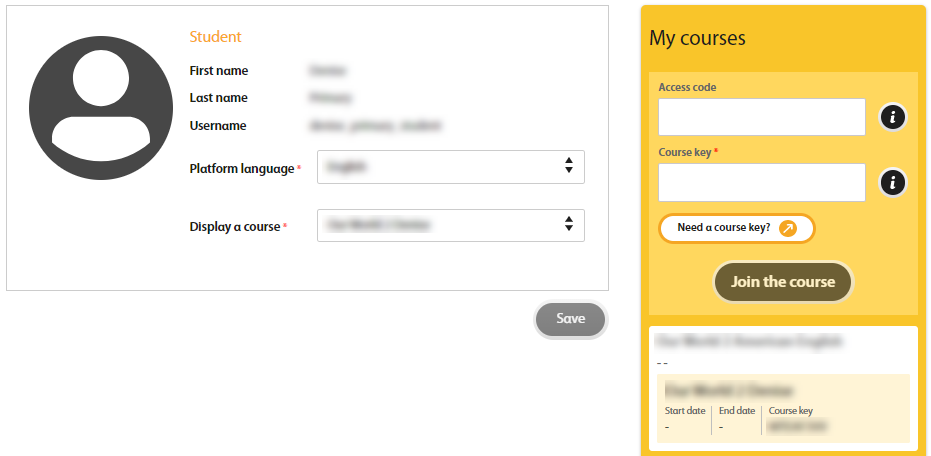
Your profile displays:
- Student
Your personal information.
You can change your preferred language here.
- My courses
Information about all your courses. This includes:
- Course name
- Course start and end dates
- Course key
You can join a new course from here.