

Spark Student Help
Assignments can contain both activities and games.
Video Tutorial: Complete Activities and Games
Click Assignments.
All the activities and games assigned to you will display.
Click an assignment you want to complete.
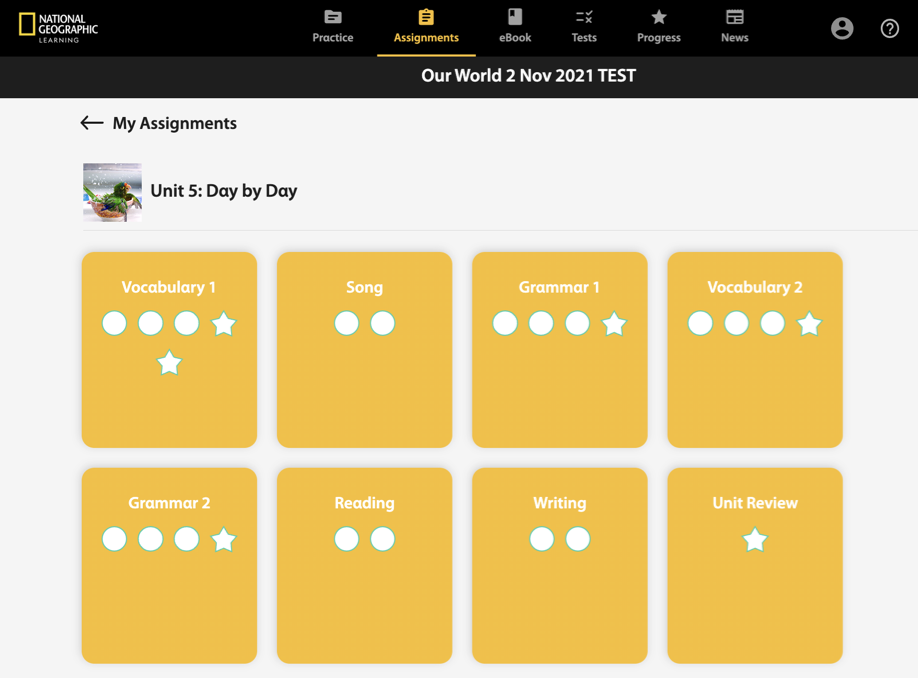
Click
 to open activities, and
  to open games.
Follow the instructions to complete the activity or game.
Click
 to go to the next question, and
  to go to the previous question.
Optional Click Check Answers after each question to see if you answered it correctly.
Click Done when you complete the activity or game to see your total score.
You can do the following after you submit your answers:
- If your instructor has allowed for retakes, click
 to try again.
 - Click
 to exit the activity.