Spark Student Help
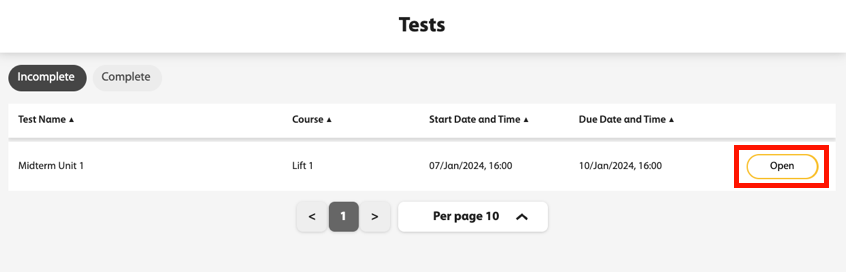
Click the Tests tab in Spark.
Scroll over to the test you want to take and click Open.
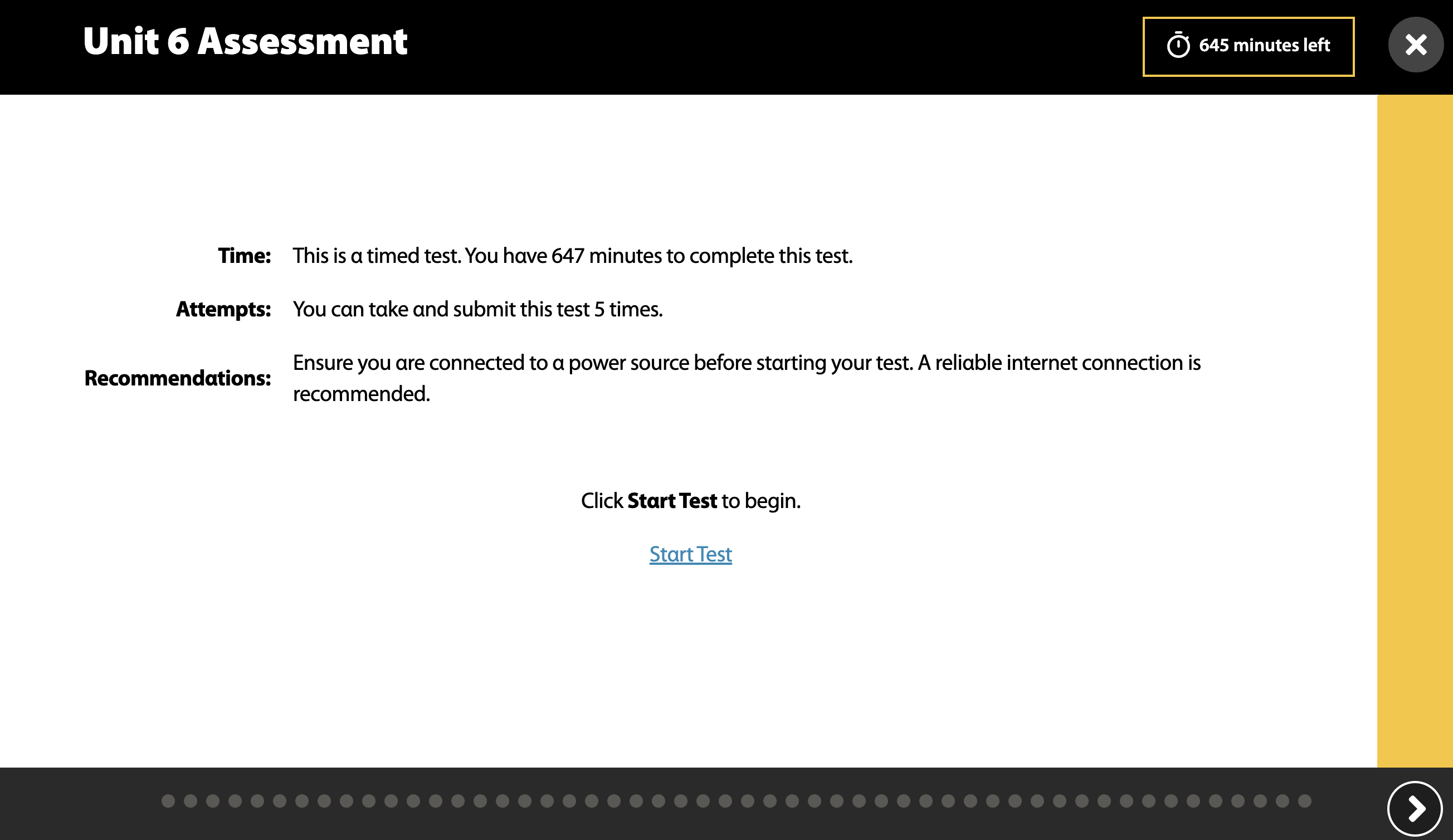
You will see test instructions such as the time and the number of attempts you are allowed to take it. Click Start Test to begin.
Use the
 and
and  buttons to go through the questions.
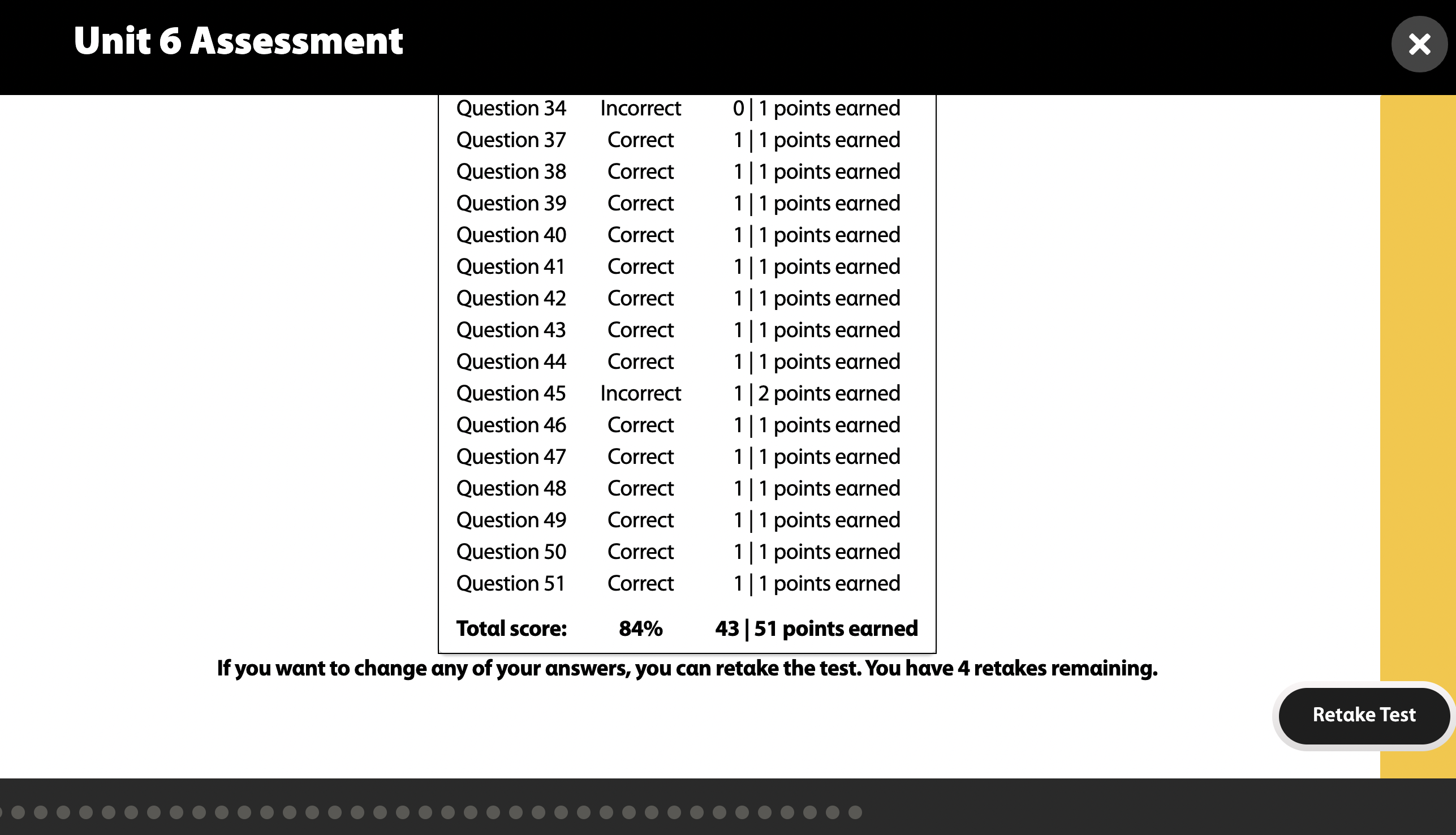
After you complete the test, a confirmation of submission and a summary of your performance will display. Depending on your instructor's preference, you may be allowed to retake the exam.