

Spark Student Help
Click the Tests tab in Spark.
Click
 to display tests you have completed.
Scroll to the test you want and click Open.
Use the

 buttons at the bottom of the screen to view each question.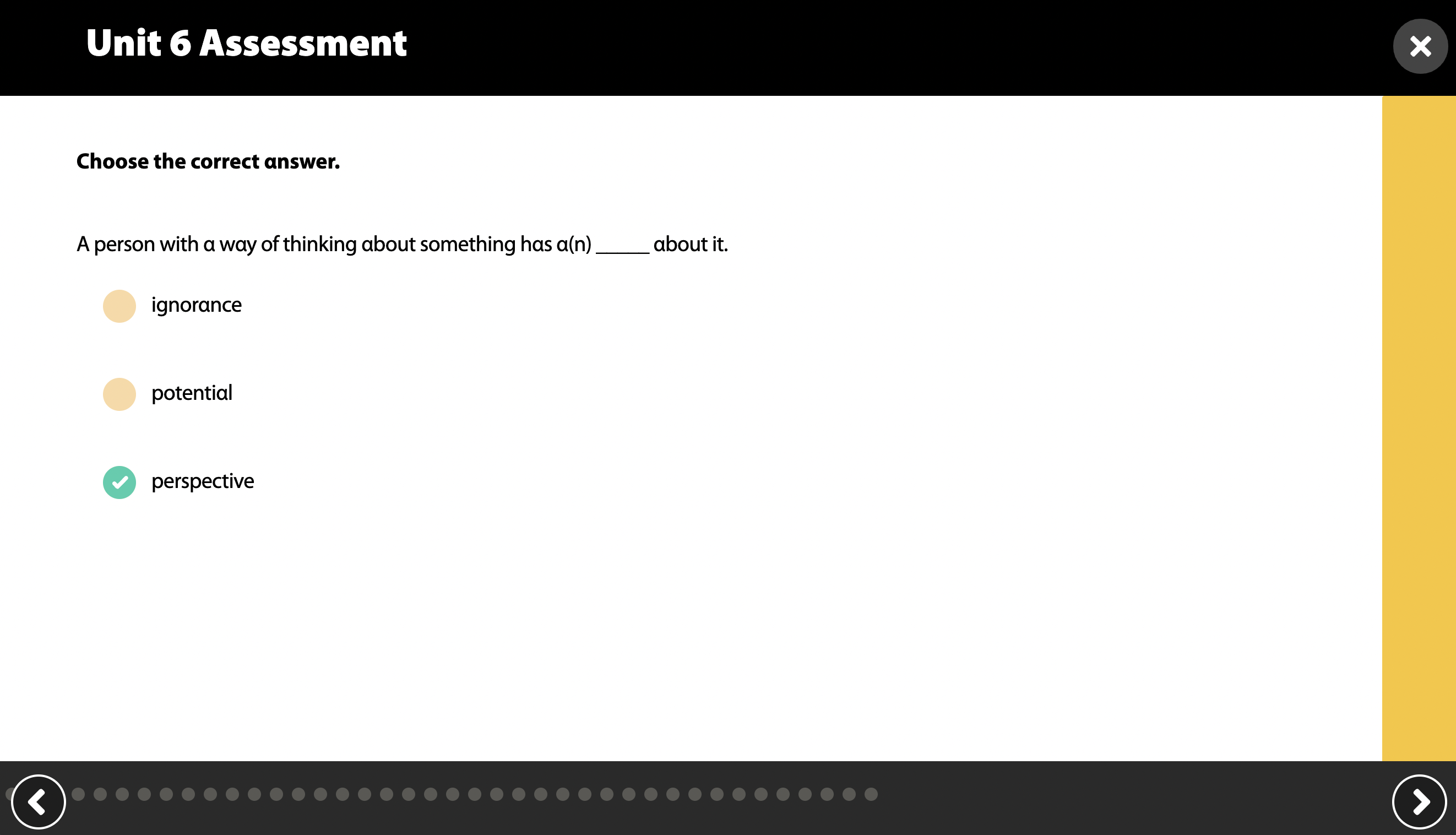
- Correct answers are indicated by

- Incorrect answers are indicated by

- Correct answers are indicated by