

Spark Student Help
eBooks are digital copies of your printed National Geographic Learning textbooks. They contain learning material, including videos, audios, and interactive activities that you can use in your class, or for self-study.
eBooks
Click the eBooks tab in Spark.
Click your eBook.
Your eBook opens in a new tab.
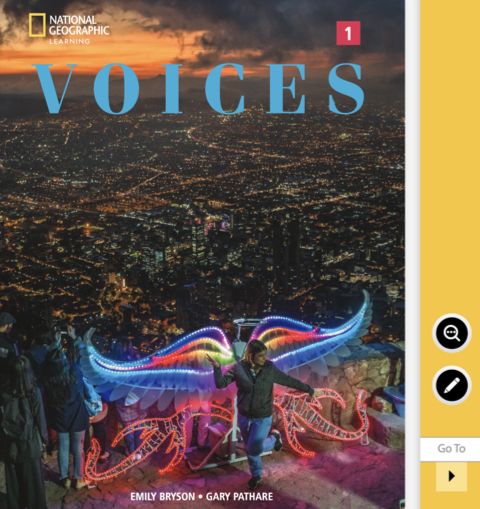
Use the following buttons to navigate and interact with your eBook:
Button
Function

Go to the next page.

Go to the previous page.

Open zoom options.

Open tool options.

View in a single page.
Optional Click the video icons found throughout your eBook to play videos.
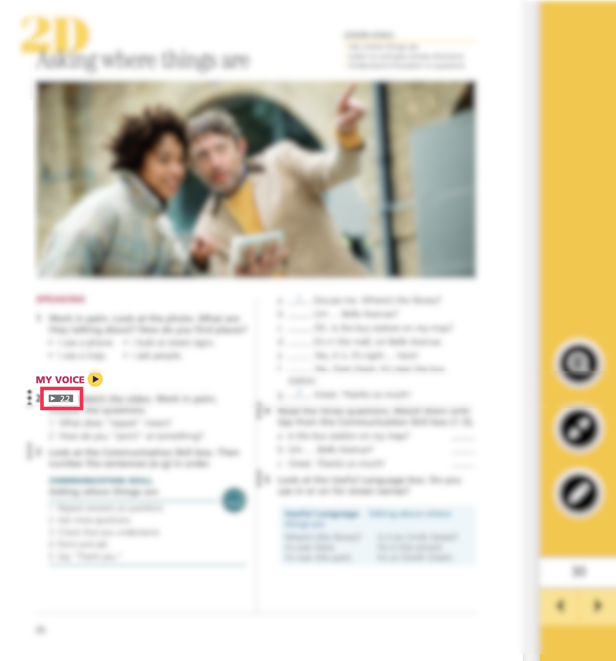
Optional Click the activity icons found throughout your eBook to start activities.
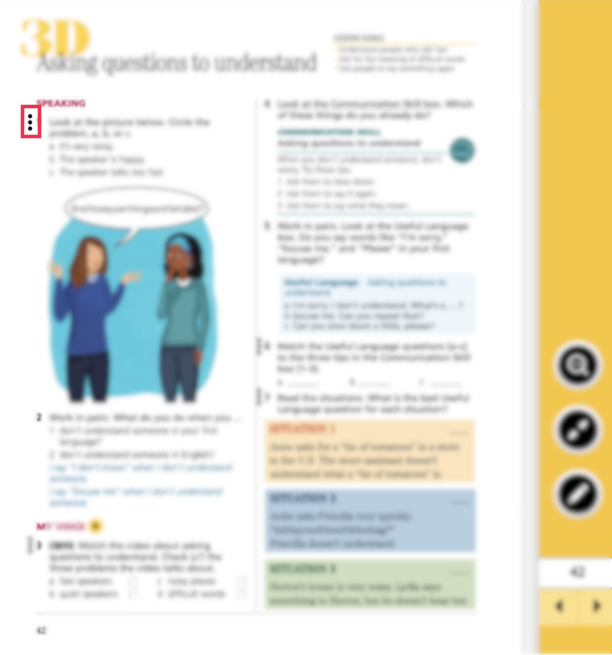
Follow the instructions to complete the activity.
Optional Click the audio icons found throughout your eBook to play audio tracks.
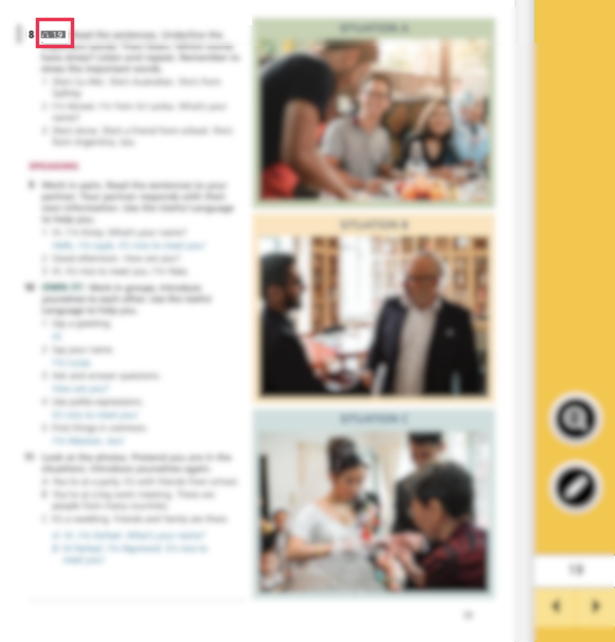
Audio and Video
Click eBooks in Spark.
Click the Audio & Video tab.
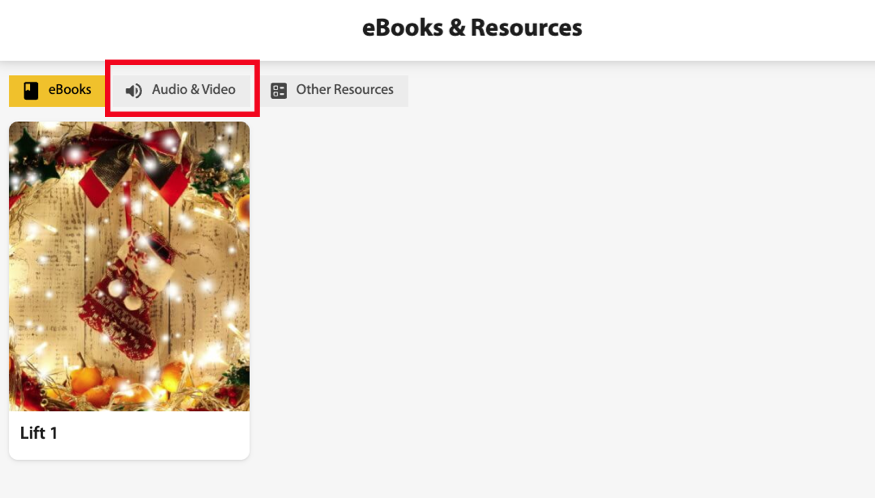
Select the course you want from the Course dropdown menu.
Select the unit you want from the Unit dropdown menu.
The available audio and video resources will display.
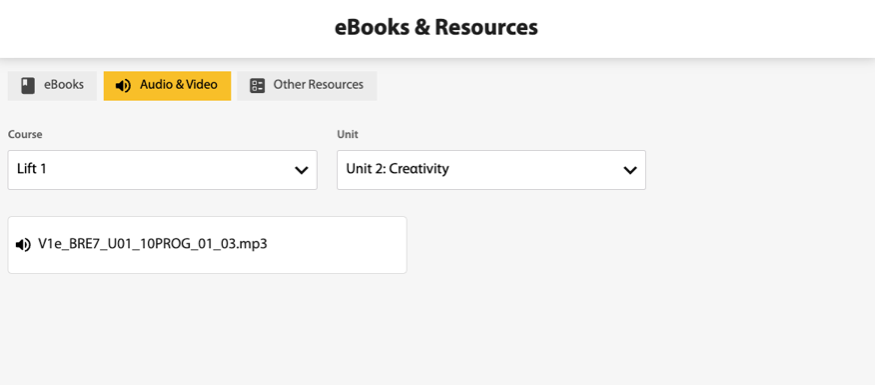
Click on each audio or video file to play.
Other Resources
Click eBooks in Spark.
Click the Other Resources tab.
Select the course you want from the Course dropdown menu.
Select the unit you want from the Unit dropdown menu.
The available other resources will display.