

Spark Student Help
If your instructor has allowed unassigned work in your course, the Practice tab will display for you in Spark.
Click the Practice tab.
Select your course.
Click a unit you want to complete.
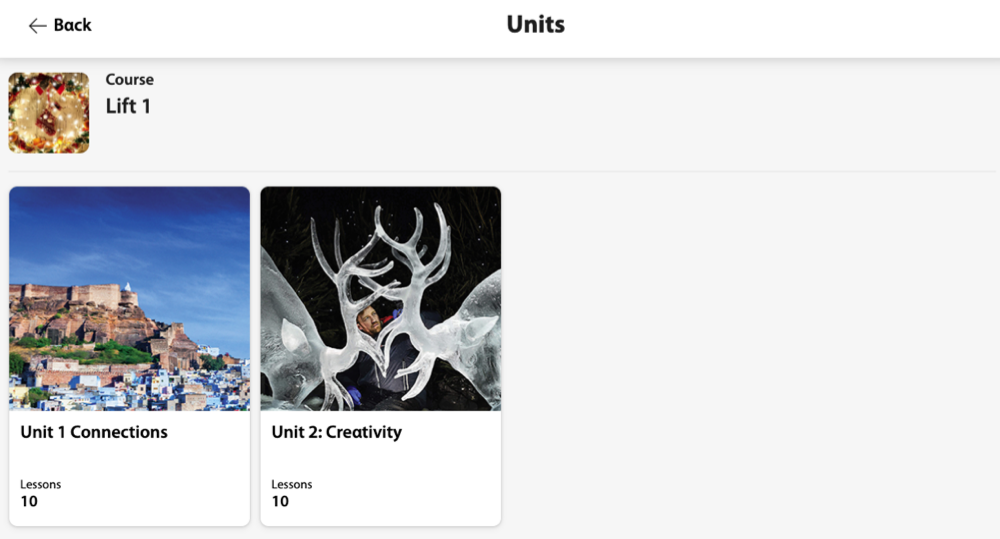
Click the lesson you want to complete.
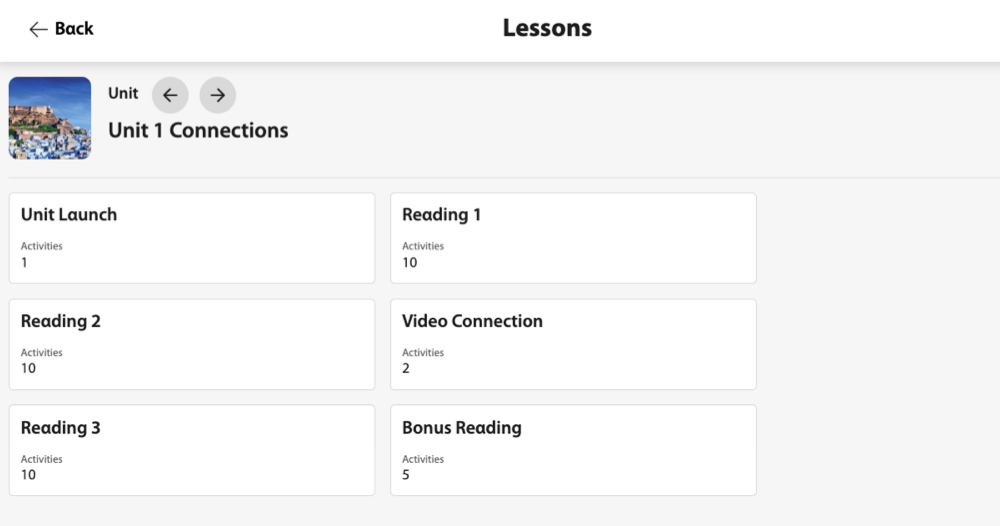
Click the activity you want to complete.
Follow the instructions to complete the activity or game.
Click
 to go to the next question, and
  to go to the previous question.
Optional Click Check Answers after each question to see if you answered it correctly.
Click Done when you complete the activity or game to see your total score.