WebAssign Student Help
- Sign In / Account
While working on your assignment, click Request Extension.
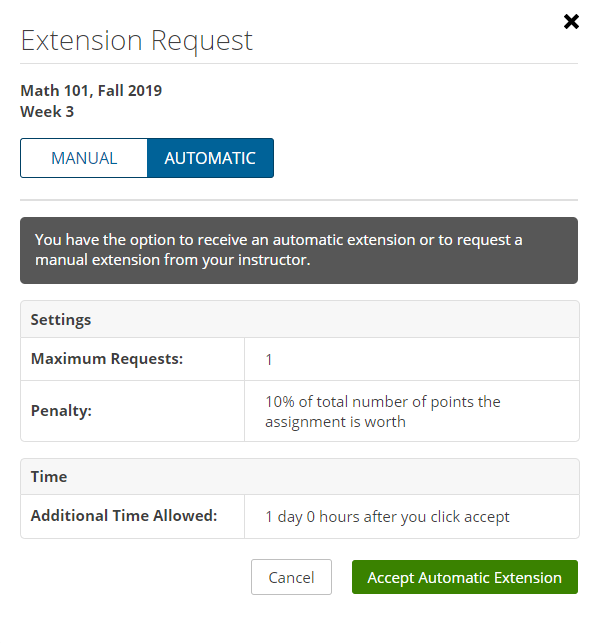
Click the Automatic tab, if necessary.
Pay particular attention to the Penalty that is displayed under Settings to find out what penalty, if any, applies.
Do one of the following:
- If you do not want to accept the extension, click Cancel. For example, a penalty might apply to each automatic extension request and you might decide not to accept the extension.
- If you accept the terms of the extension, click Accept Automatic Extension. Your assignment shows the new due date and how the penalty, if enabled, affects your score. You can continue working on this assignment.