
WebAssign Student Help
- Sign In / Account
- FAQ Topics (Search Only)
Cause
This problem can happen because of structural problems like hidden atoms or incomplete bond patterns.
For example, a bond that looks like it ends at a particular atom might not be connected to it.
Resolution
Click Edit Drawing, or click anywhere in the Marvin JS frame.
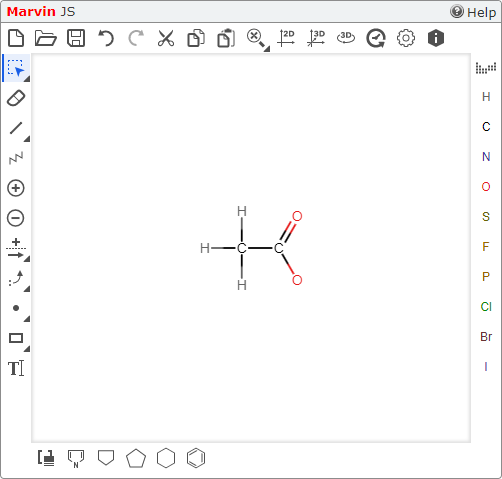
Click the correct Marvin JS cleanup tool — either
 or
or  .
.These tools often reveal structural problems like hidden atoms or incomplete bond patterns.
- Two-dimensional drawings: click .
- Three-dimensional drawings: click .
- Two-dimensional drawings: click
Correct your answer.
Submit your corrected answer.