Spark School Administrator Help
Student Gradebook data reports include:
- The total time the student has spent using Spark
- The percent of the course the student has completed
Details for each activity in the course:
- When the student last accessed the activity
- Activity score, given in the format
correct tasks / total tasks - Activity result, given as a percentage
- Number of times the student attempted the activity
- The time the student spent on each activity
Click User Management in Spark.
Hover over a student.
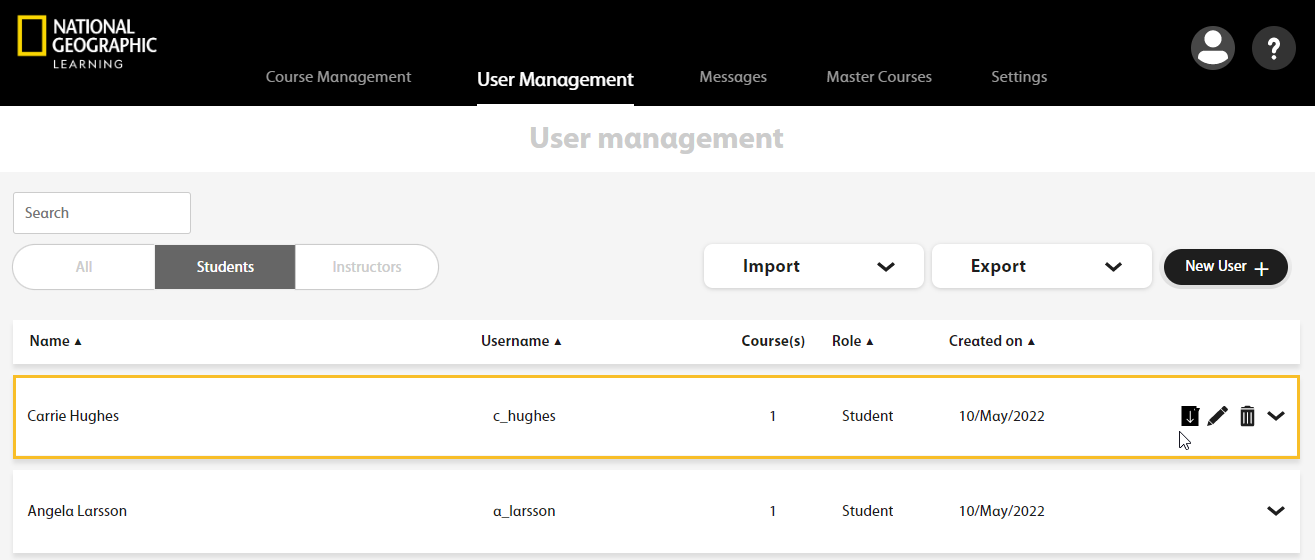
Click
 .
.A confirmation message is displayed.
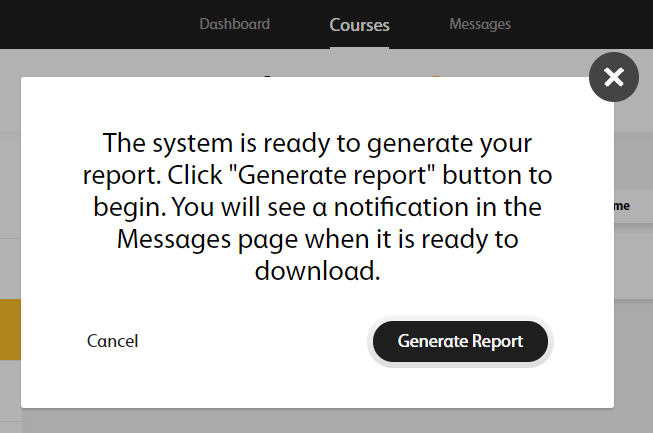
Click Generate Report.
The following message displays.

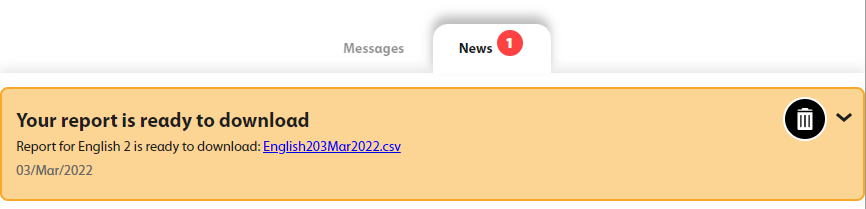
A message will alert you when your report is ready to download.

Click Messages in the top navigation bar.
Click the file link to download the report.