Spark School Administrator Help
Course Gradebook data reports include:
- The average grade in the course
- The percent of the course each student has completed
- The average score for each student
- When each student last signed in to Spark
- The total amount of time each student has spent using Spark
Click Course Management in the top navigation bar.
The list of courses at your institution will display.
Hover over the course whose grades you want to download and click
 .
.
Click Generate Report.
The following message displays.

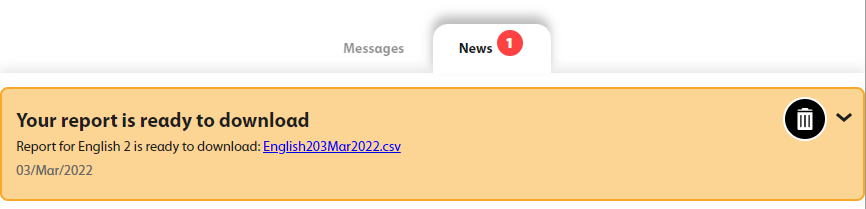
A message will alert you when your report is ready to download.

Click Messages in the top navigation bar.
Click the file link to download the report.