

Spark School Administrator Help
Click User Management in Spark.
Hover over the student you want to remove.
The
 and
and  icons are shown.
Click
.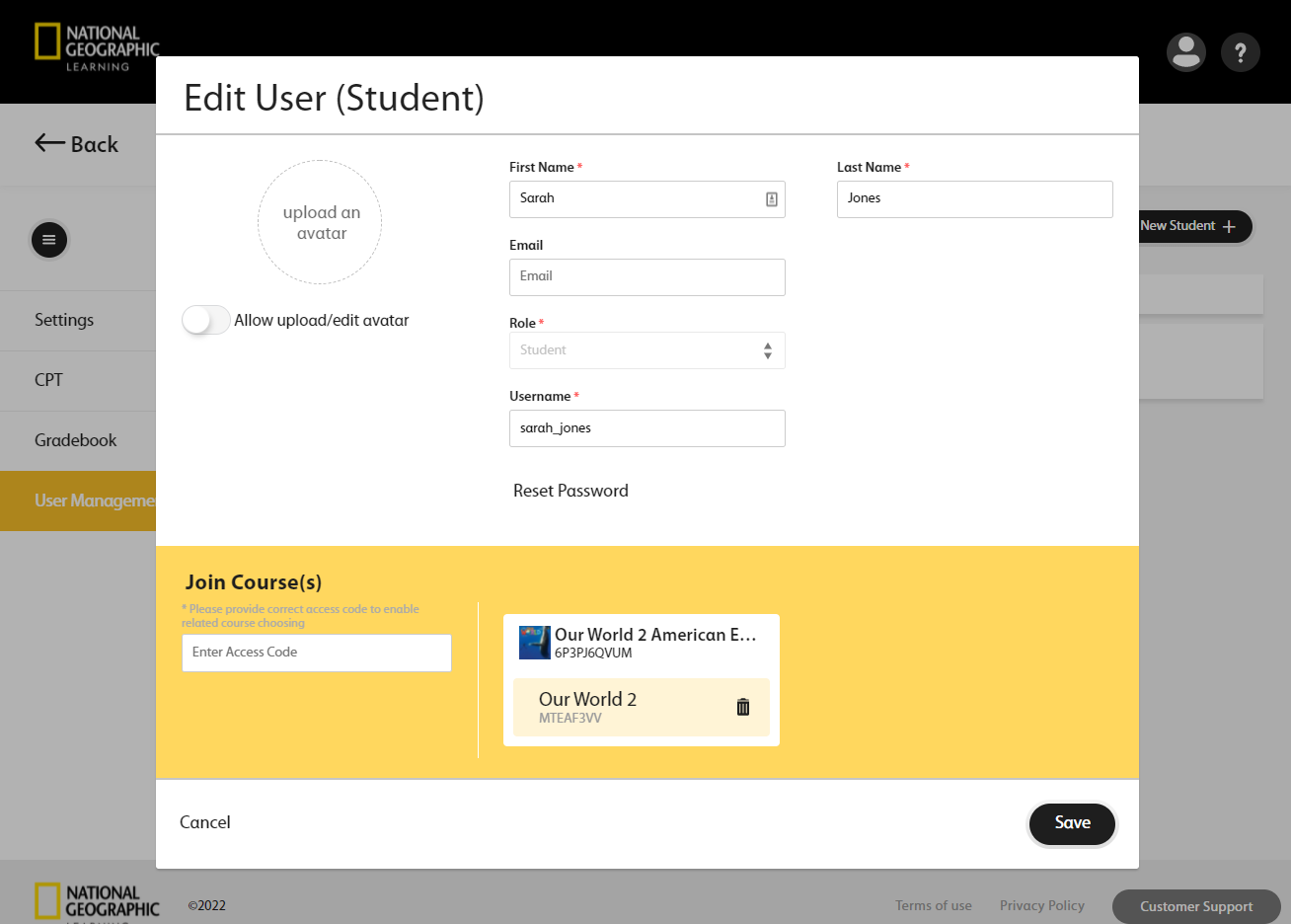
In the tile for the original course, click
.Hover over the tile and click Search Course.
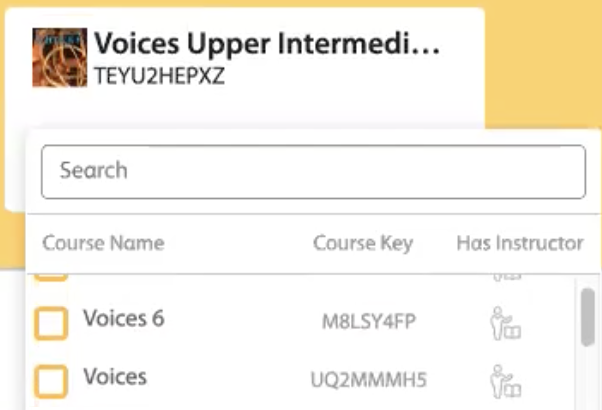
Select a different course for the student.
Click Save.
The student is removed from their original course and added to the new course.