

Spark Student Help
Sign in at learn.eltngl.com.
Click Sign in.
Enter your Username and Password.
Click Sign in.
Click
 › My account at the top-right of the page.
Enter your Course Key.
Look up your self-study course key:
- Region
Where are you studying?
- Product
What textbook are you using?
- Level
What level are you studying?
- Course key
Start Again
If prompted, enter your Access Code.
This step is skipped if you do not need to enter an access code.
Find your access code
- In your book or printed access card
Open the front cover of your book or get your printed access card. Scratch off the coating.
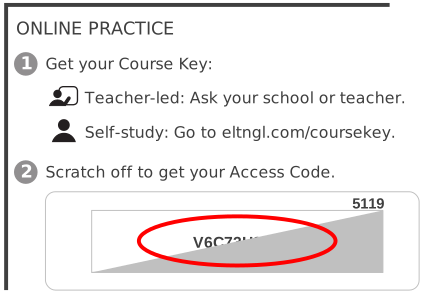
- Online access code
You might also be able to purchase an online access code.
Click Join the course.