

Spark Student Help
Video Tutorial: Self-Register
Do not create more than one account.
You already have an account if:
- You took an Spark class before.
- Your teacher created an account for you and gave you a username.
Open your self-registration guide and click the course link.
If you do not have a self-registration guide, go to learn.eltngl.com. You will need your instructor's course key to register.
If prompted, enter your Course Key and click Submit.
Get the course key from your teacher if needed.
If prompted, enter your Access Code and click Submit.
This step is skipped if you do not need to enter an access code.
Find your access code
- In your book or printed access card
Open the front cover of your book or get your printed access card. Scratch off the coating.
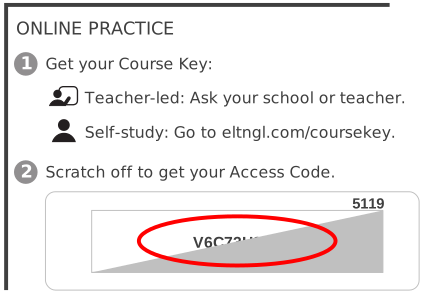
- Online access code
You might also be able to purchase an online access code.
- From your teacher
For some courses, your teacher will give you an access code.
Enter your name and email address.