

Spark School Administrator Help
The self-registration guide for each course contains:
- A link students can use to enroll directly in your course without a course key
- Information on how to sign in or create a new account
- A link to the Spark Student Help
- Your name
- An optional note from you
Click Course Management, then hover over the course you want.

Click
 .
.The Registration Guide for your course opens.
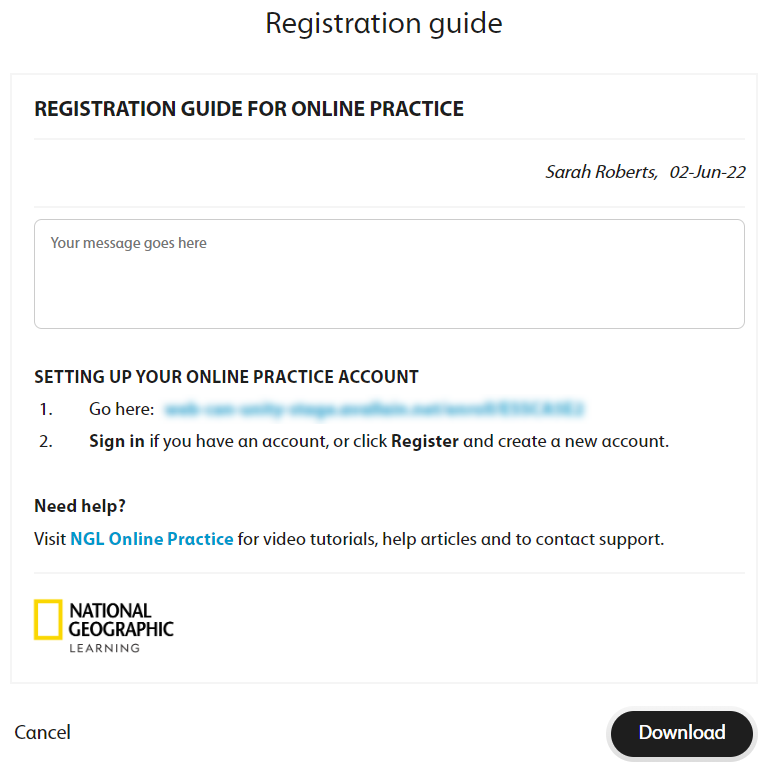
Optional Add a note for your students.
Click Download.
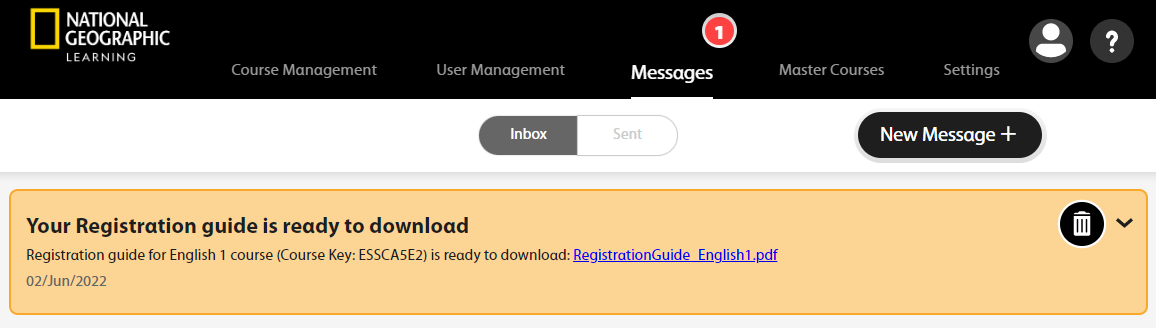
The following message displays.

A message will alert you when your report is ready to download.

Click Messages in the top navigation bar.
Click the file link to download the self-registration guide.
Give the self-registration guide to your students so they can join your course.