

Spark Instructor Help
In the Class Content tab, select your course from the courses dropdown menu.
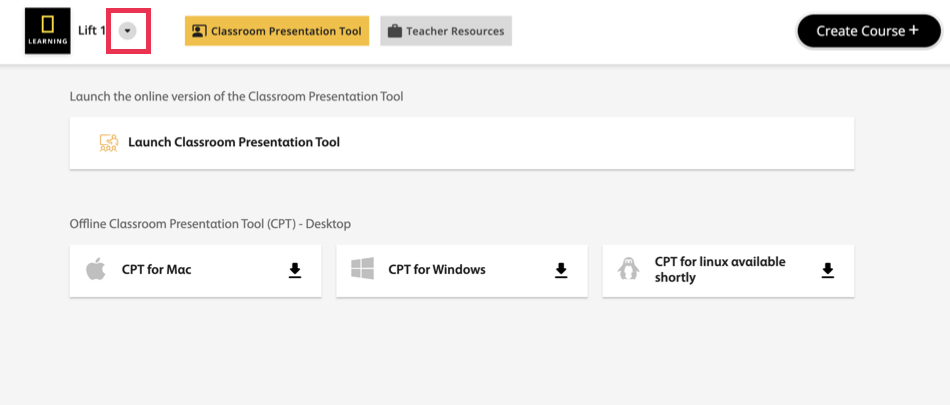
Click Launch Classroom Presentation Tool.
The units dashboard is displayed.
Hover over the unit you want and click Student's Book or Workbook.
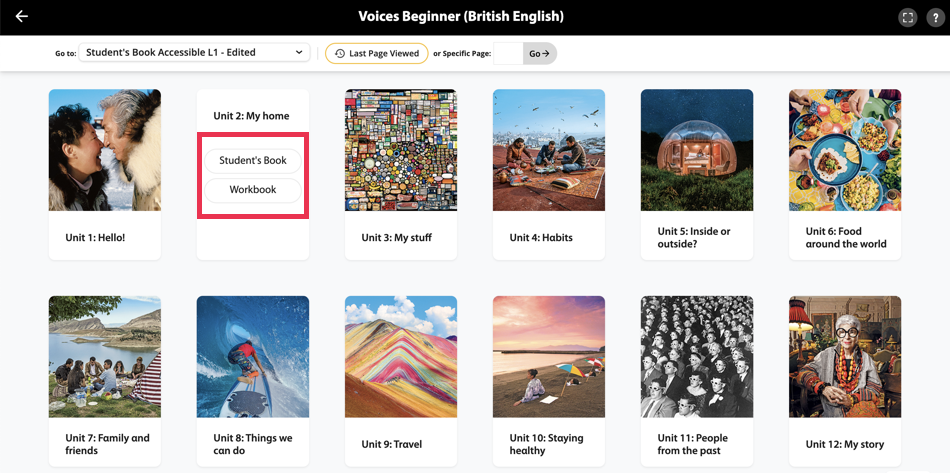
Click the lesson you want.