MyAdaMath Teacher Help
If you have not created a class, this must be done before adding a course. For directions on creating a class, see How to Create a Class.
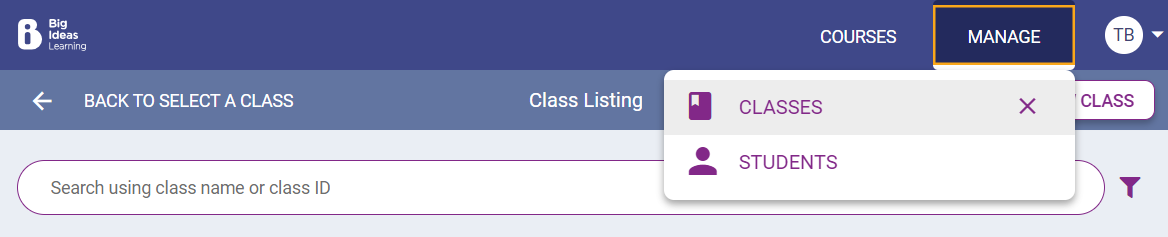
Click Manage › Classes in the top right hand corner.
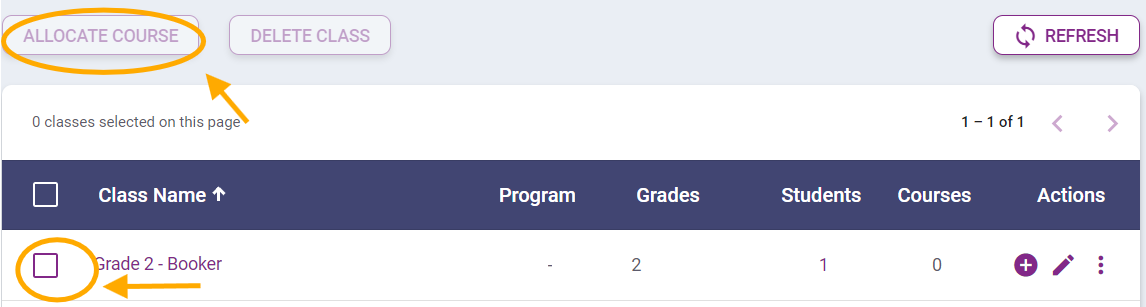
Find the class you want to add a course to, click the box next to that class, then click Allocate Course.
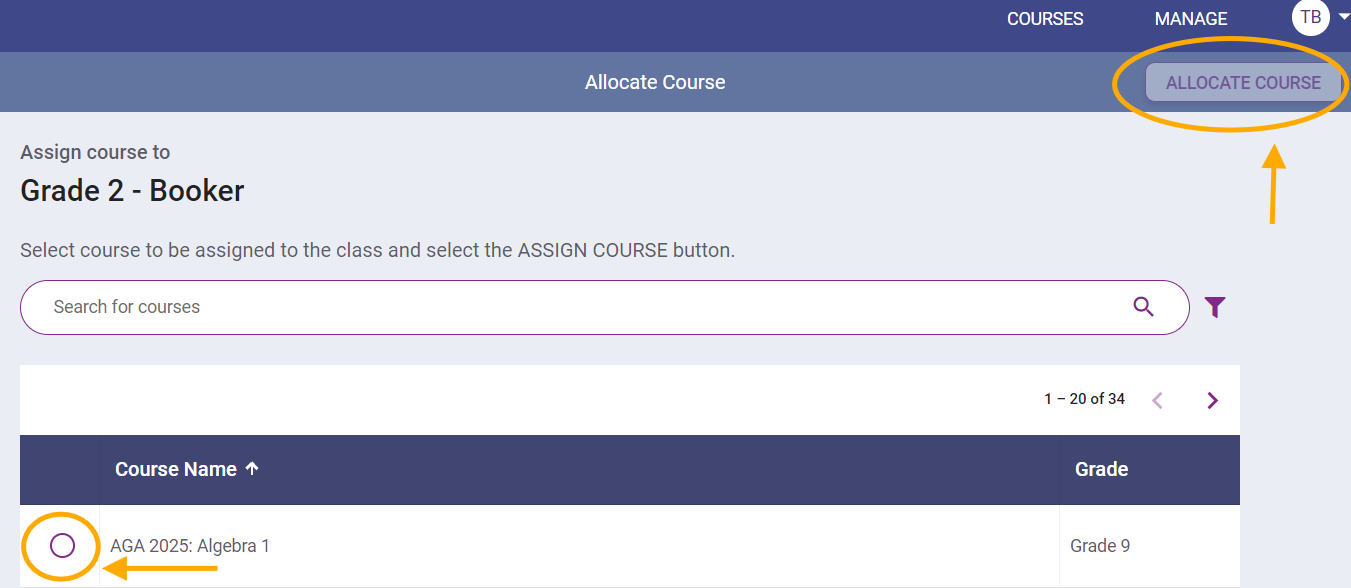
Find the course you want to add to this class, click the circle next to the course, then click Allocate Course in the top right.
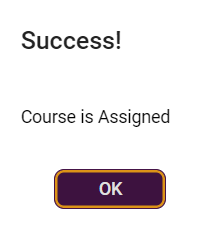
When you have successfully added the course to the selected class, you will receive a "Success! Course is Assigned" pop up message. Click OK.