

Spark Instructor Help
Video Tutorial: Manually Grade Assignments
Click Assignments in Spark.
Click Manual Grading only.
Scroll to the assignment you want and click
 .
.The manually graded activity in that assignment opens, including the name of the student who submitted the activity.
If there are multiple manually graded questions within the activity, click
 or
or  at the bottom of the screen to navigate to the other questions.
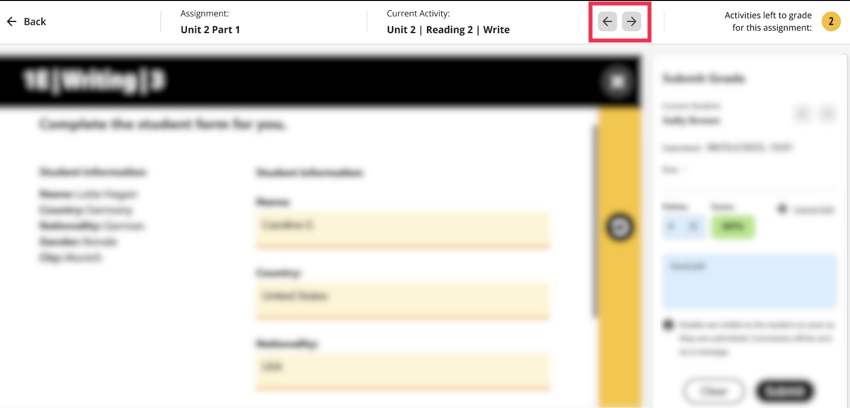
If there are multiple manually graded activities within the assignment, click the arrows next to the activity name to navigate to the other activities.
After you have reviewed all the student's answers, mark their score in the Points field.
Optional Add a comment for the student. The comment will be sent as a message to the student's inbox.
Click Submit.
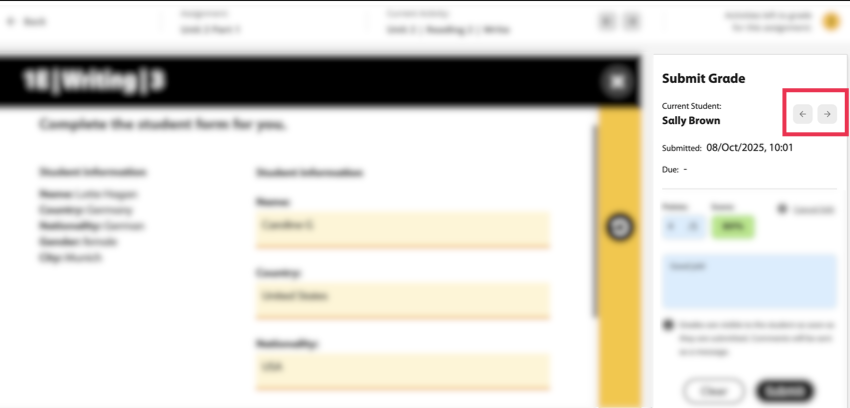
Click the arrows next to the student's name to view and grade the next student's manually graded activities on that assignment.
When you have graded all the students' answers, click
 to exit.