Spark Instructor Help
Student Gradebook data reports include:
- The total time the student has spent using Spark
- The percent of the course the student has completed
Details for each activity in the course:
- When the student last accessed the activity
- Activity score, given in the format
correct tasks / total tasks - Activity result, given as a percentage
- Number of times the student attempted the activity
- The time the student spent on each activity
Select a course in Spark.
Click Gradebook.
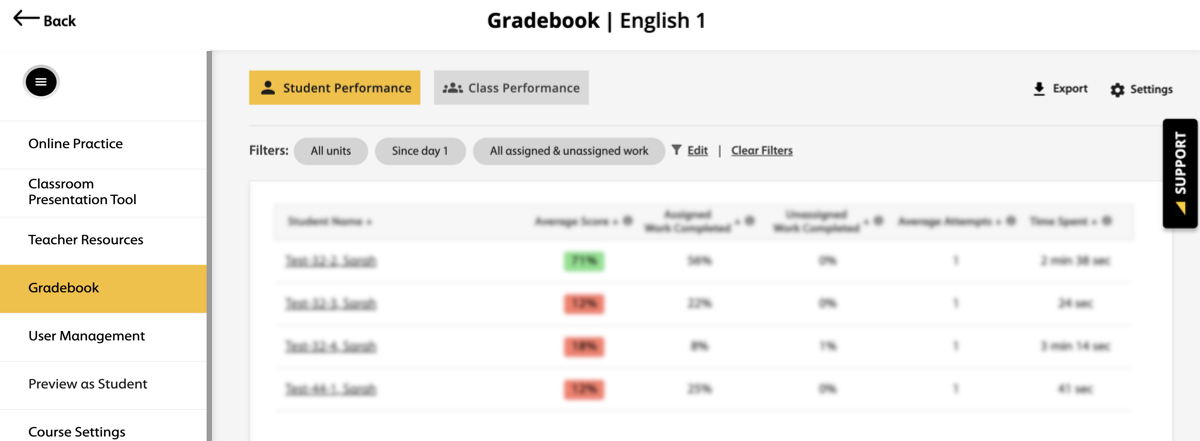
Click the name of the student you want to create a report for.
For instructions on how to apply student performance filters, see Student Performance.
Click
 .
.Select either.CSV or.XLSX file for your report.
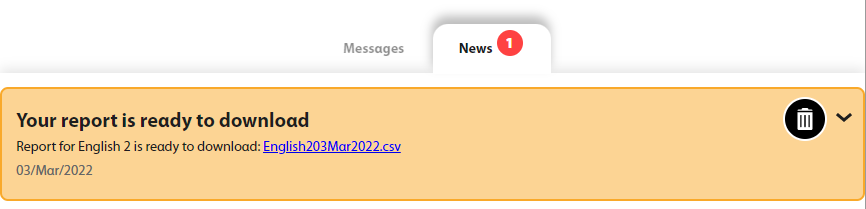
An alert next to the Messages tab will notify you when the report is ready for download.

Click Messages in the top navigation bar.
Click News, then click the link to download the report.