
WebAssign Student Help
If you do not see a Private Messages section on your Communication page, your instructor has not enabled private messages.
Select a class from the My Classes drop-down menu and click Go.
From the menu bar, click Communication.
Under Private Messages, click New Message.
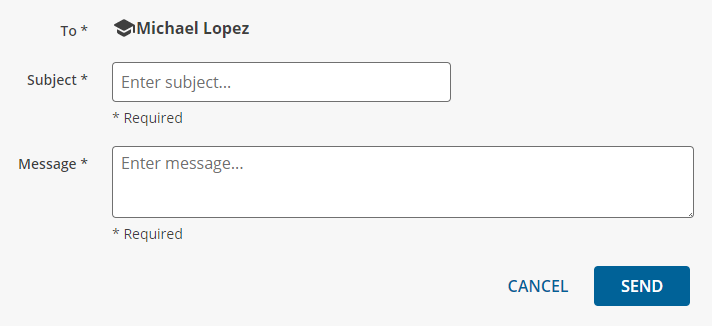
In Subject, enter the subject of the message.
In Message, enter your message.
Click Send.