After you submit answers for an assignment, you can see your earned and total points for the assignment, for each question, and for each question part.
Note Your instructor might choose not to display these scores.
-
To view scoring and submission rules for your
assignment, expand Scoring and Assignment Information
 .
There are four ways your assignment can be scored:
.
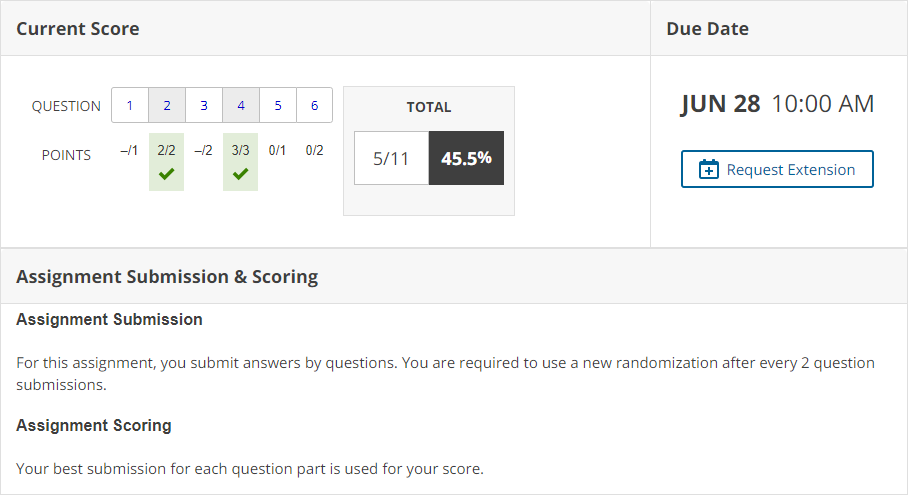
There are four ways your assignment can be scored:- Your last submission is used for your score
- Your best submission for each question part is used for your score
- Your best submission for each entire question is used for your score
- Your best assignment submission is used for your score
-
View the assignment score, a question score, or a question part score in the
assignment.
- The assignment score is displayed at the top of the assignment.
- The question score is displayed at the top of each question.
- To see question part scores, click the plus sign
 by the question score.
Tip
- Don't wait until the last minute to submit your answers.
- Some questions award bonus or penalty points based on when you submit your answers
or how many
submissions you use.
You might receive fewer points if you change a correct answer, submit it, and then submit your original answer again. This applies even when
best
grading is used.